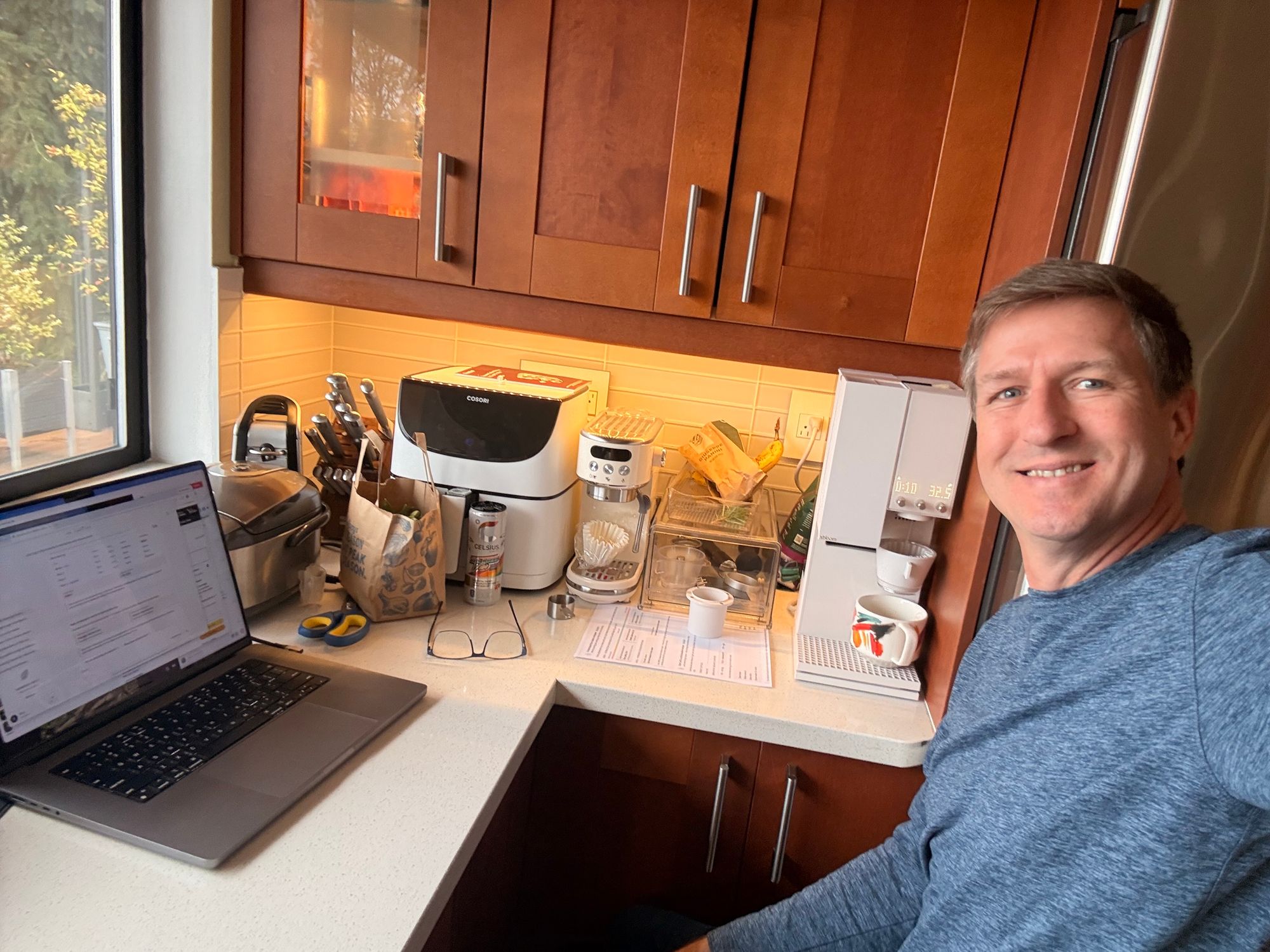
 Customer photo
“The perfect cup”
From coffee to tea, the xBloom is so easy to use, and yet the coffee is fresh and made so well that you would think a barista is making a fresh brew just for you. Love it!

Available to experience in Stockholm & Malmö
xBloom Studio is an all-in-one automatic pour-over coffee machine that combines a precision grinder, brewer and scale into a single system, designed to brew coffee exactly as the roaster intended.
Whether you want complete automation or full manual control, xBloom adapts to how you like to brew.
NORDIC BREW LAB × XBLOOM
At Nordic Brew Lab, we are always looking for equipment that helps people brew coffee more consistently, without removing what makes specialty coffee interesting in the first place.
xBloom stood out because it approaches brewing more like a roaster or barista would. Grind size, dose, temperature, flow rate, and timing are all part of one calibrated recipe designed around the specific coffee being brewed.
That combination of precision and repeatability is what made it interesting to us. Not as a replacement for manual brewing, but as a way to make carefully brewed coffee easier to repeat, whether at home, in the office, or during busy mornings where consistency matters most.
Buy locally with Nordic Brew Lab support, guidance, and warranty handling.
Recipes can be calibrated specifically for each coffee, including grind size, flow rate, temperature and more.
Experience xBloom Studio in our Stockholm or Malmö stores before purchasing online.

xBloom Studio overview
Grinder, brewer, and scale in one system, designed to make pour-over more consistent and easier to control.
The entire workflow executes as one sequence: grinding, dosing, and brewing as a single programmed profile.
Scan a recipe card or xPod. xBloom automatically sets the grind, dose, water temperature, flow rate, bloom, and pouring sequence for that specific coffee.
In Autopilot, the grinder, scale and brewer operate as one coordinated workflow,handling the full brew sequence automatically from start to finish.
Consistent grind size, temperature and flow rate reduce technique variation, making the differences between coffees easier to taste and compare.
Scan a recipe card or xPod to instantly load the correct brew profile.
Add your beans and press start. xBloom handles grinding, dosing and the full programmed brew sequence automatically.
Sit back while xBloom executes the full brew sequence automatically from start to finish.
Start with a solid brew framework, then make it yours. Copilot gives you guidance without taking away control.
Build a recipe inside the app: adjust pours, flow rate, temperature and timing. Save it, refine it, share it.
Use the magnetic dosing cup to measure your coffee accurately, then transfer directly into the grinder.
Insert a filter, attach the dripper, and let your custom structure execute exactly as designed.
Customer experiences
From experienced home brewers to people looking for a more consistent morning routine, these are real xBloom Studio owners sharing their experience.
Customer photo
From coffee to tea, the xBloom is so easy to use, and yet the coffee is fresh and made so well that you would think a barista is making a fresh brew just for you. Love it!
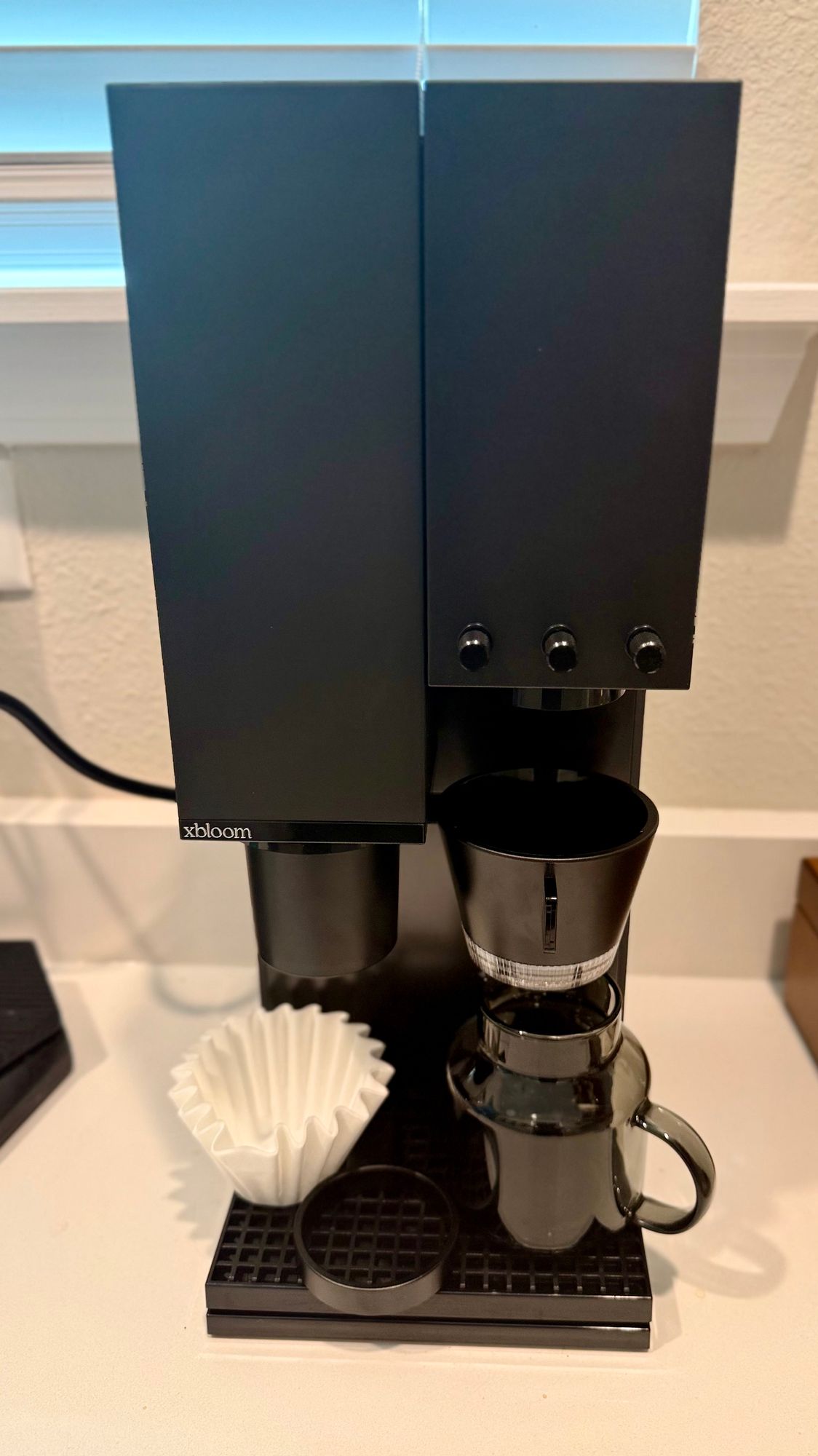
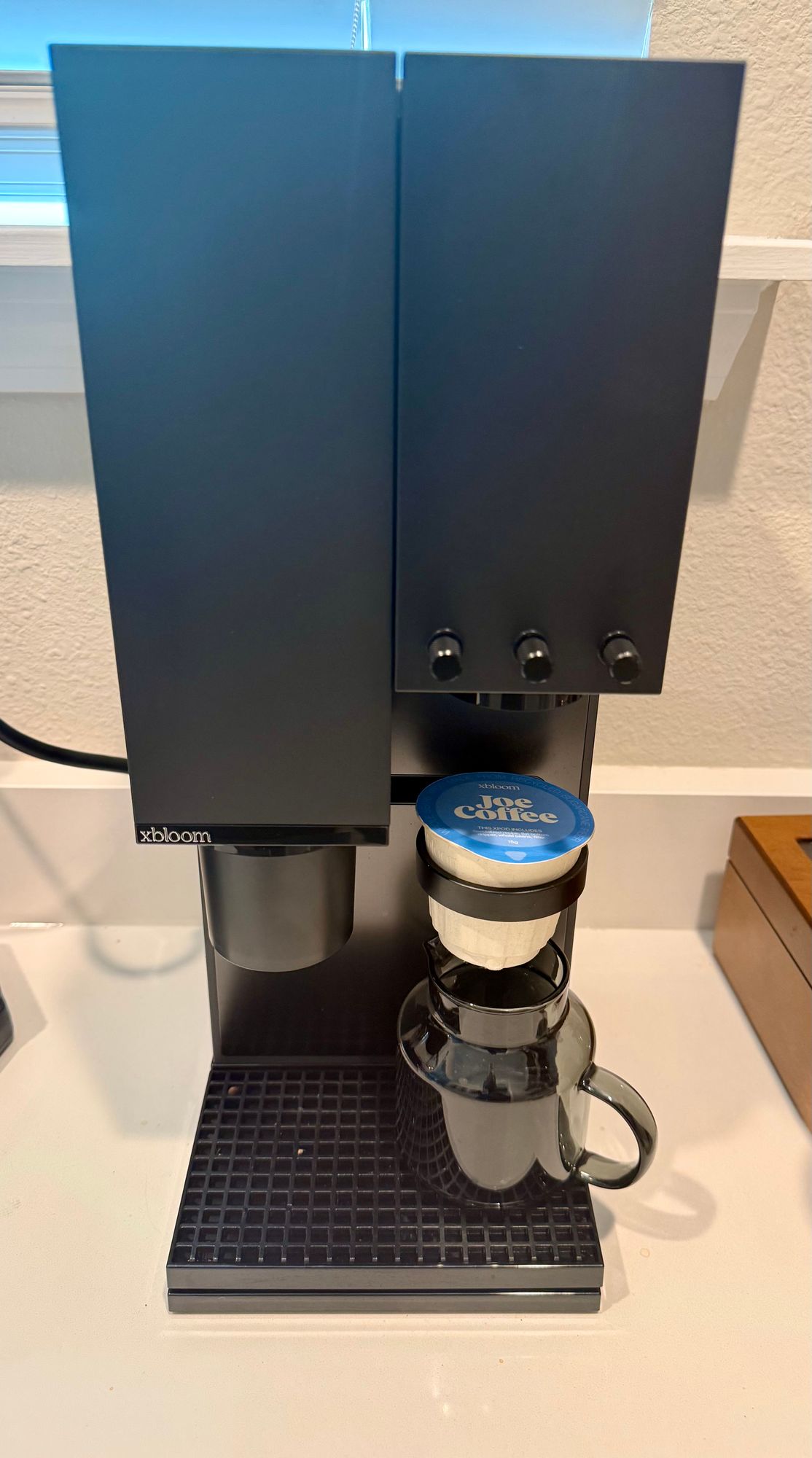 Customer photos
My wife calls me a techie, and she's absolutely right. I've used just about every brewing method imaginable: V60, Chemex, French press, espresso machines, drip coffee makers and more. I was skeptical at first, but the idea of a machine that is essentially a computerized pour-over brewer is nothing short of genius. This comes about as close as you're going to get to having a skilled barista brewing coffee in your own home.
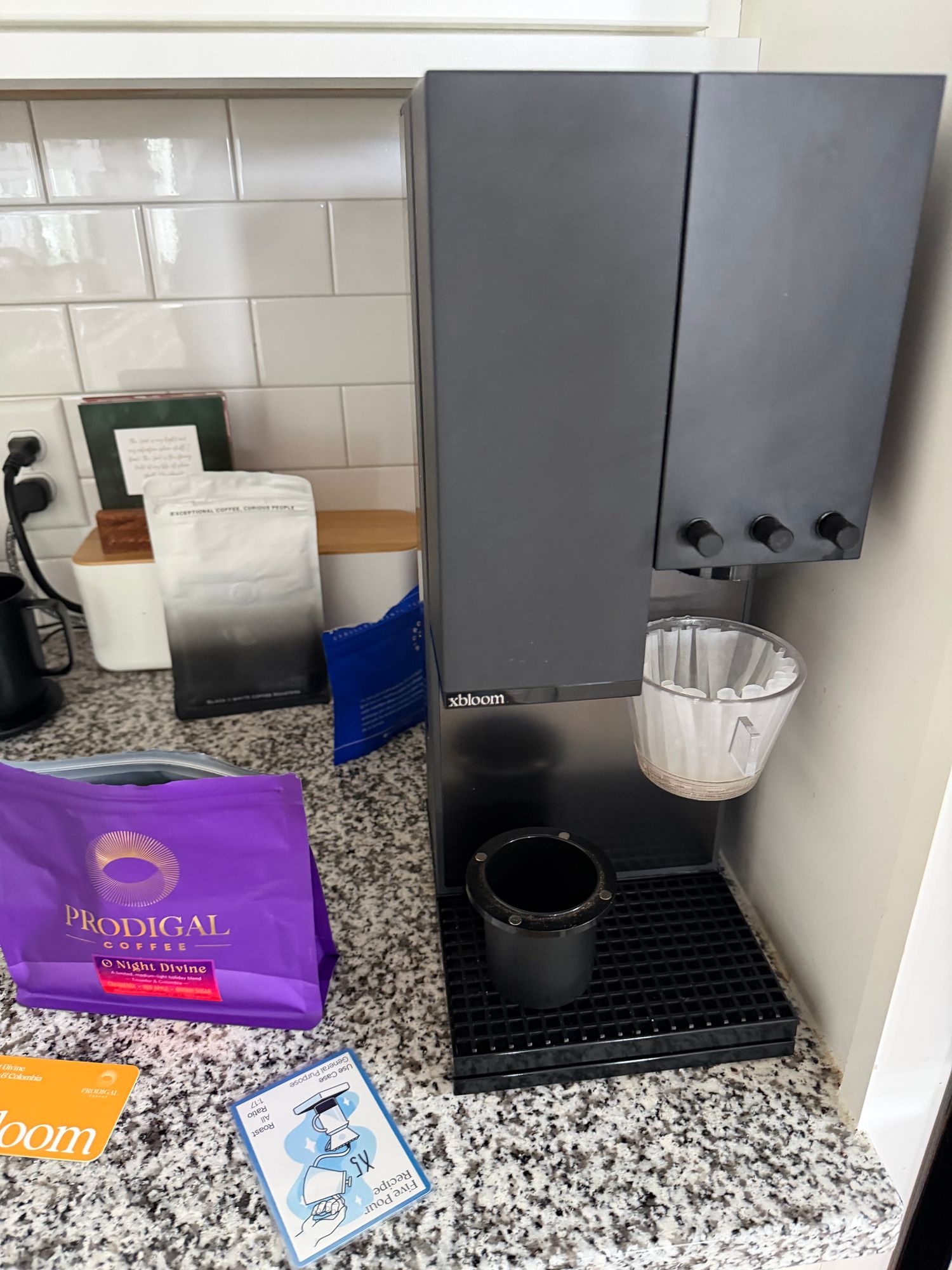 Customer photo
Review of my xBloom Studio.
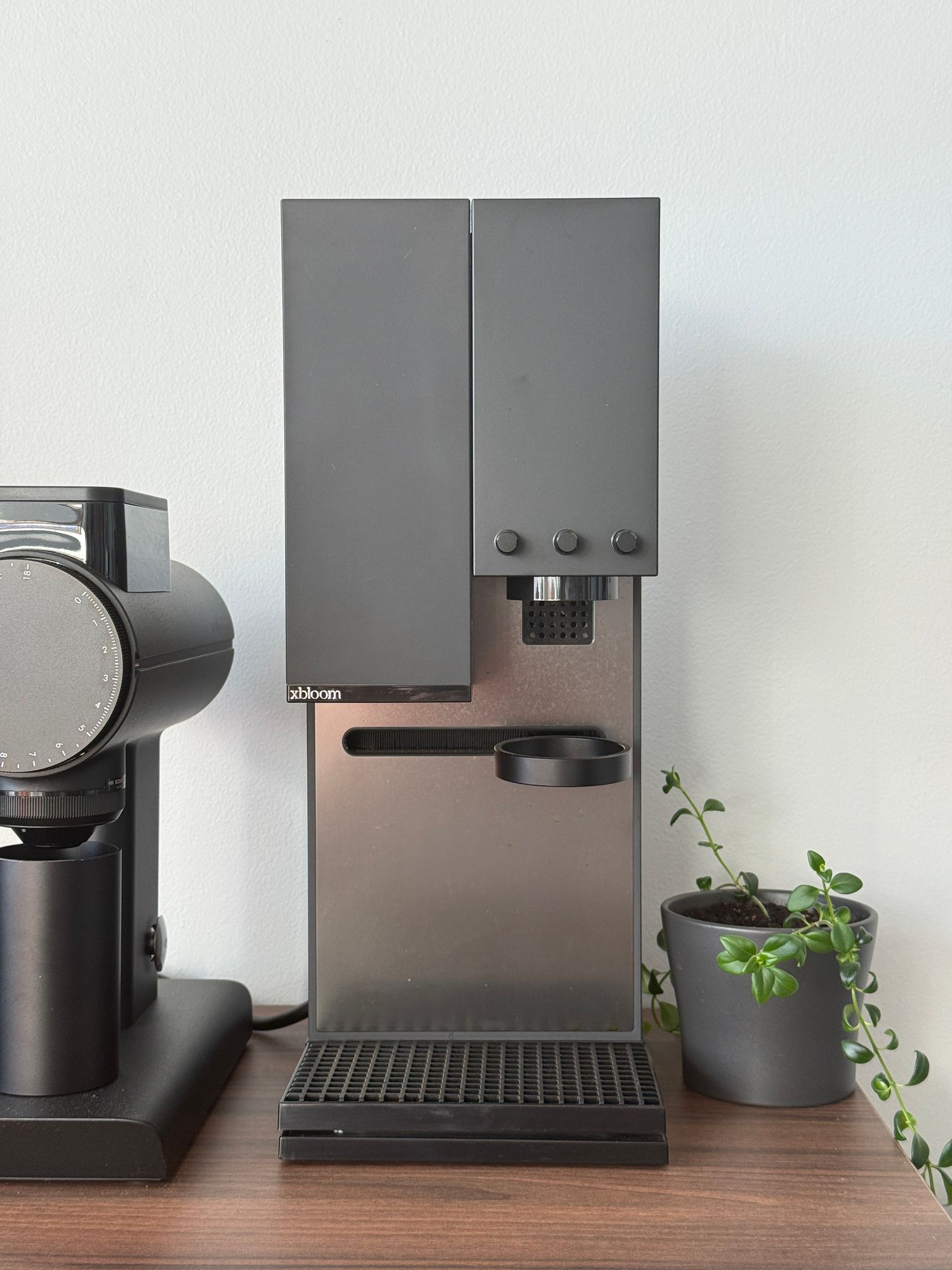
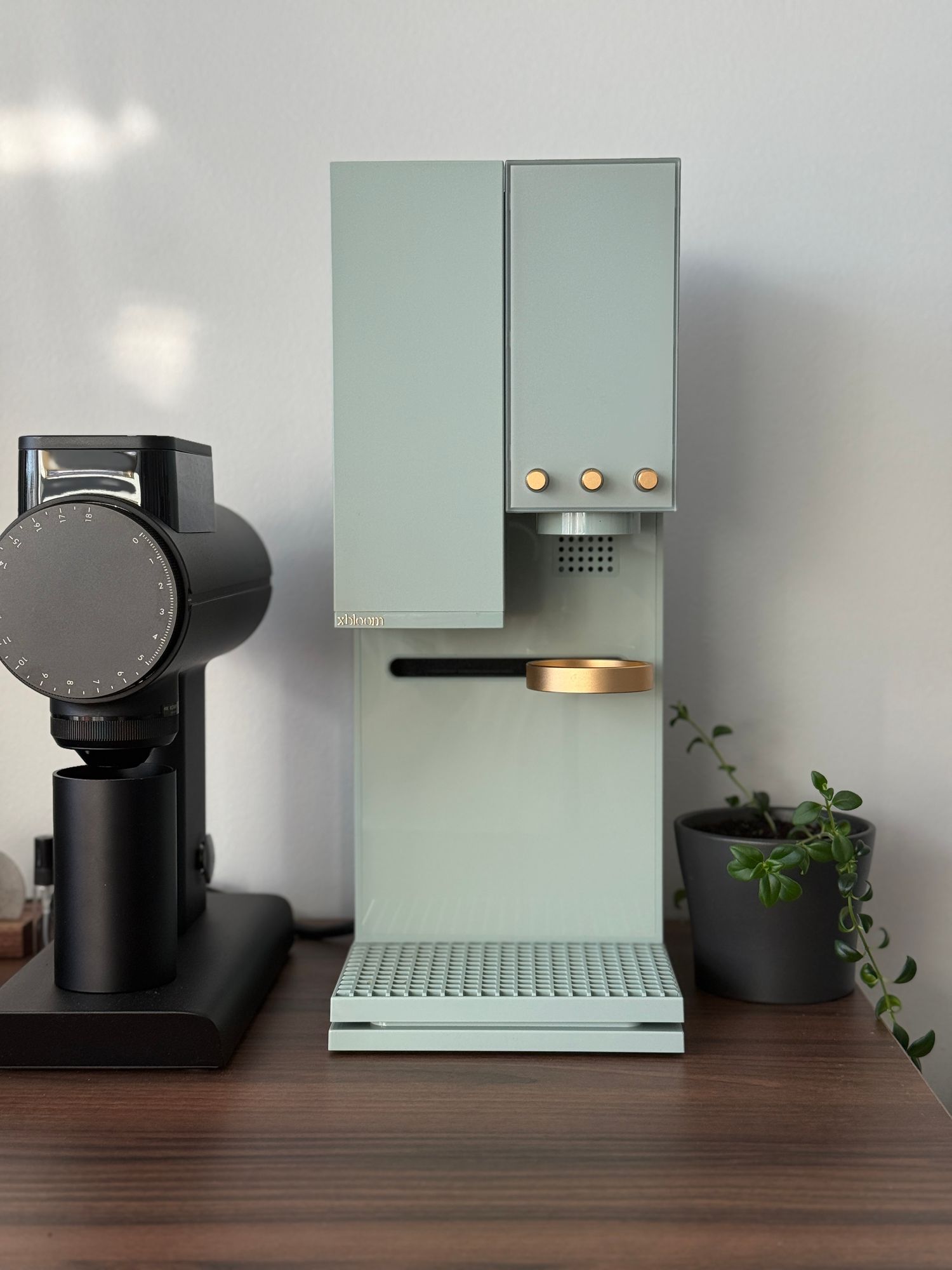
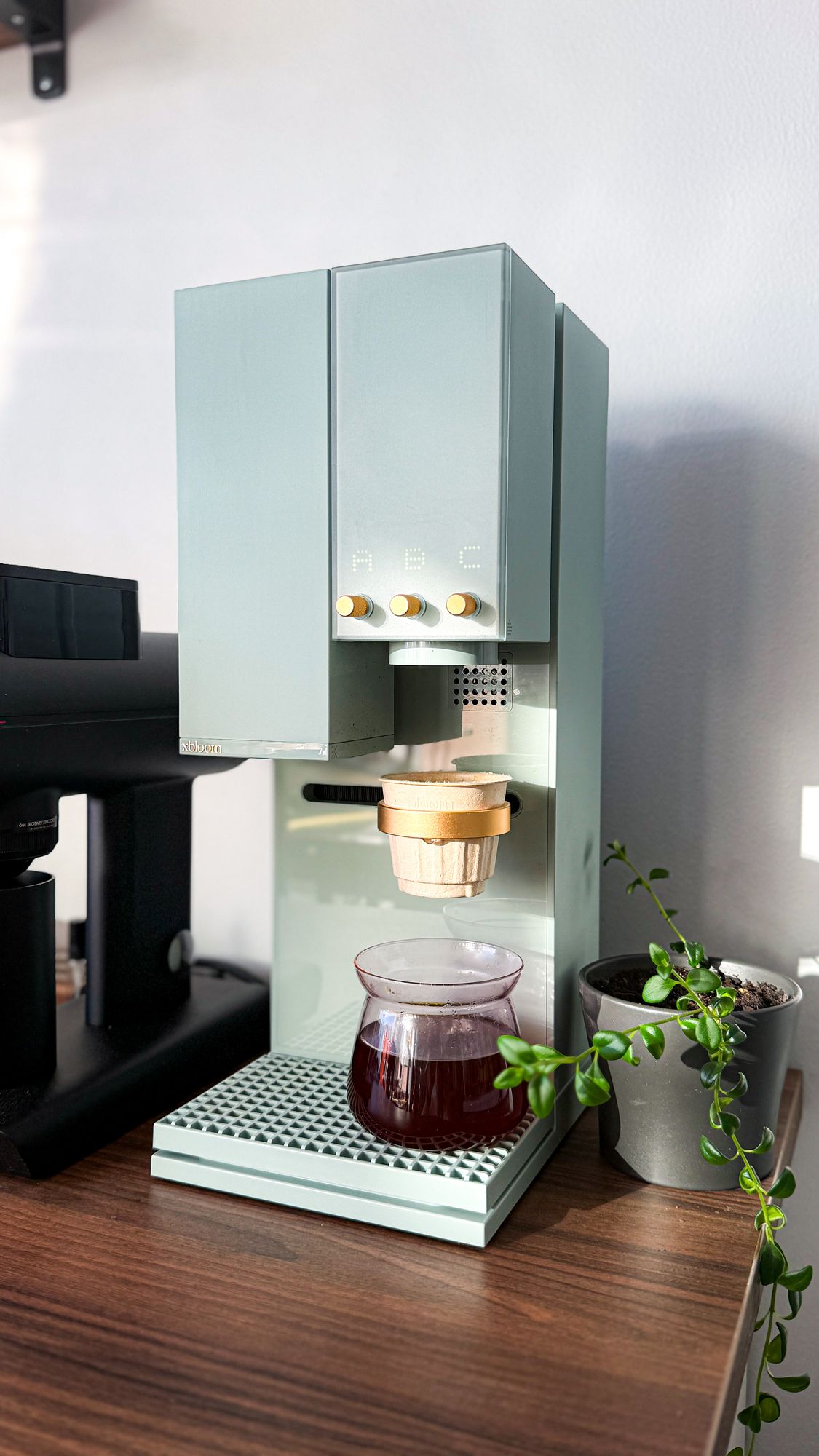
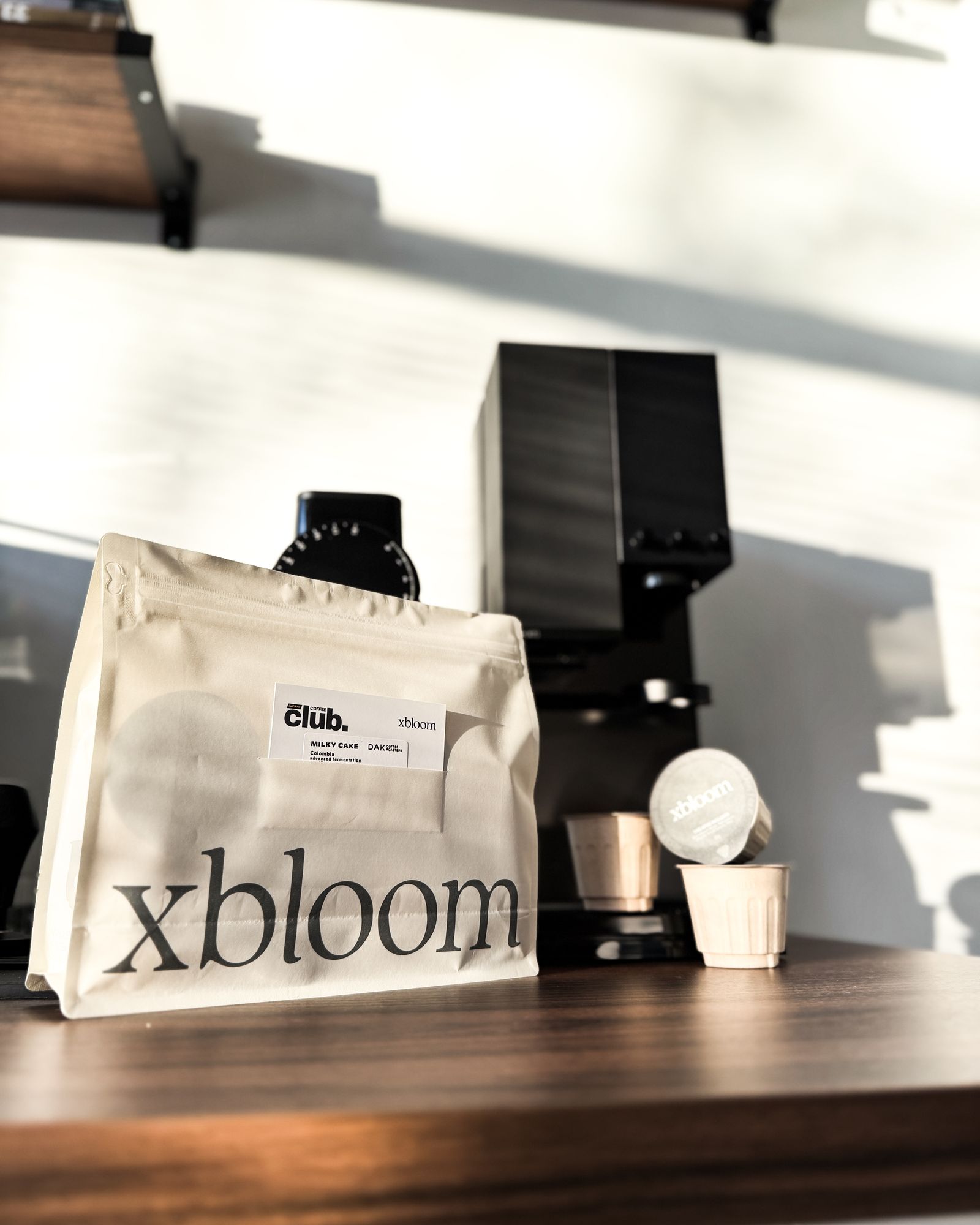 4 customer photos
The xBloom Studio is one of the coolest pieces of coffee gear I've seen in a while. It is not just a brewer; it is a grinder, scale and pour-over system all built into one, and it actually feels like it was designed as a single product from the start. What stands out most is the design. It is super clean, minimal and almost Apple-like.
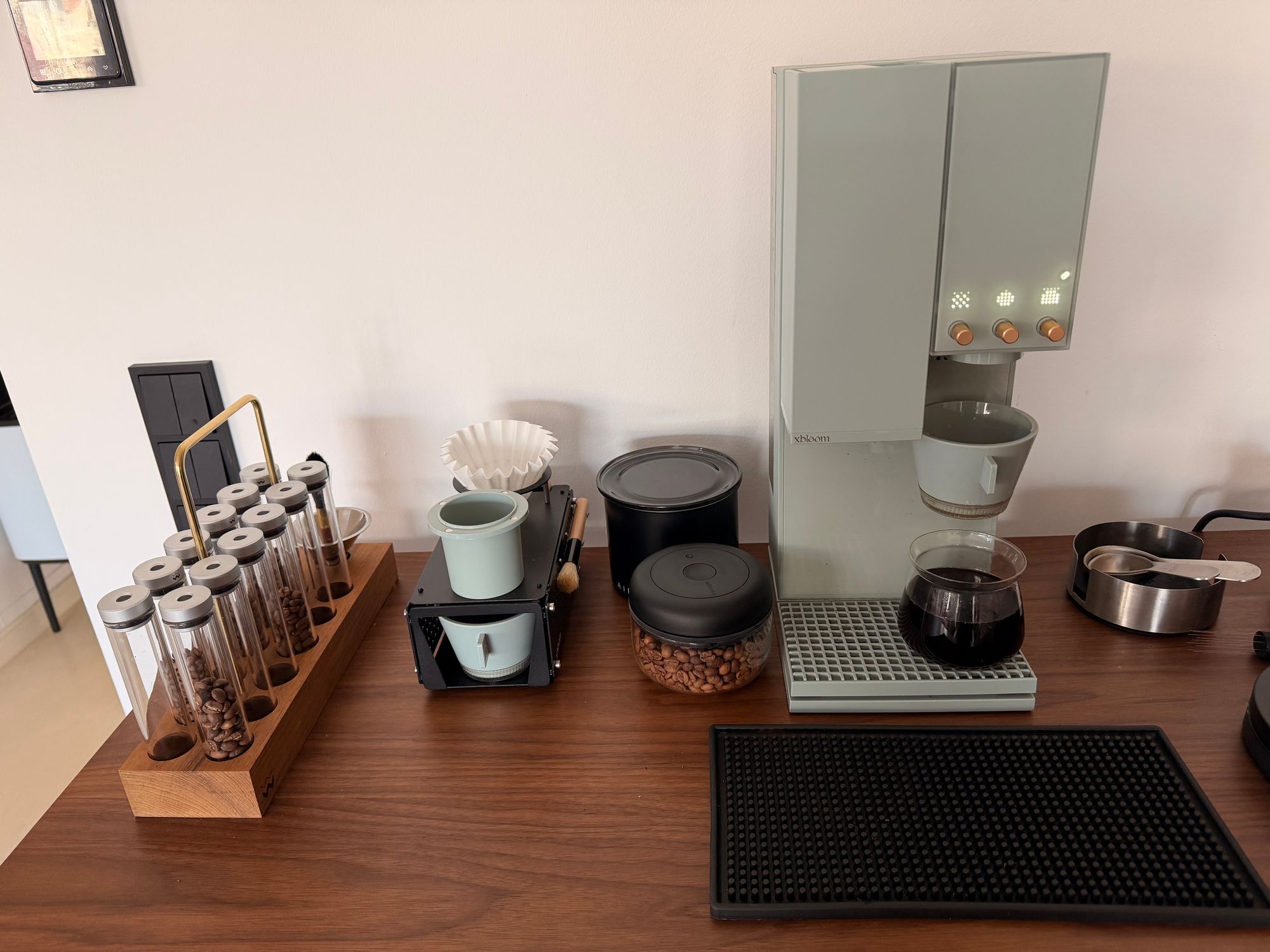 Customer photo
I have been using the xBloom Studio for a while now and it has completely changed my morning coffee routine. The fully automatic process takes all the guesswork out of pour-over, and the results are consistently excellent, cup after cup. What really sets it apart is the community recipe support and the growing library of recipes from other users.
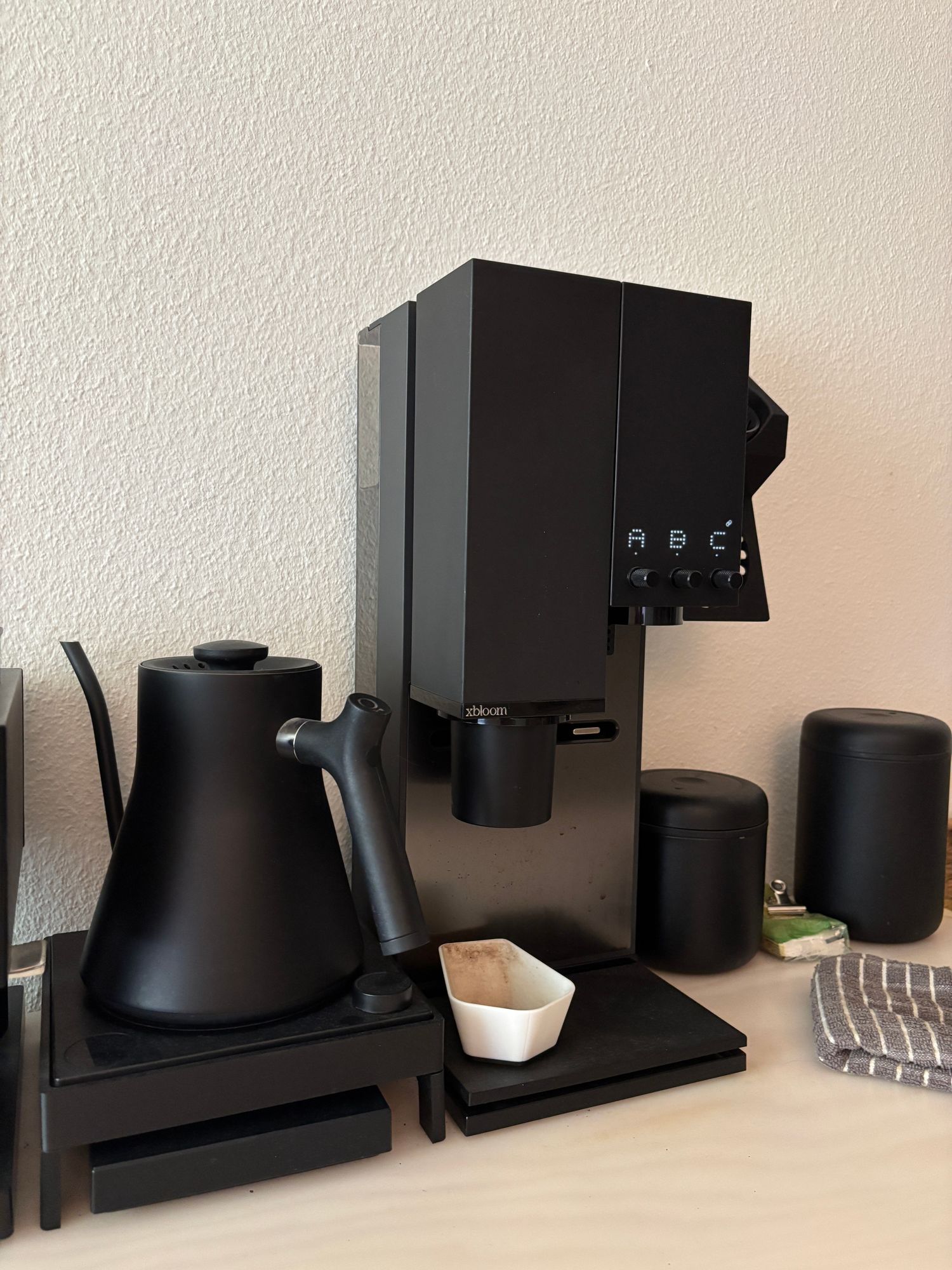 Customer photo
I've been using the Studio for 550 days and counting, every day, and it keeps delivering that same great coffee every time. I love the look and how easy it has become to use since the first version. No cellphone, no fuss, just great coffee every time.
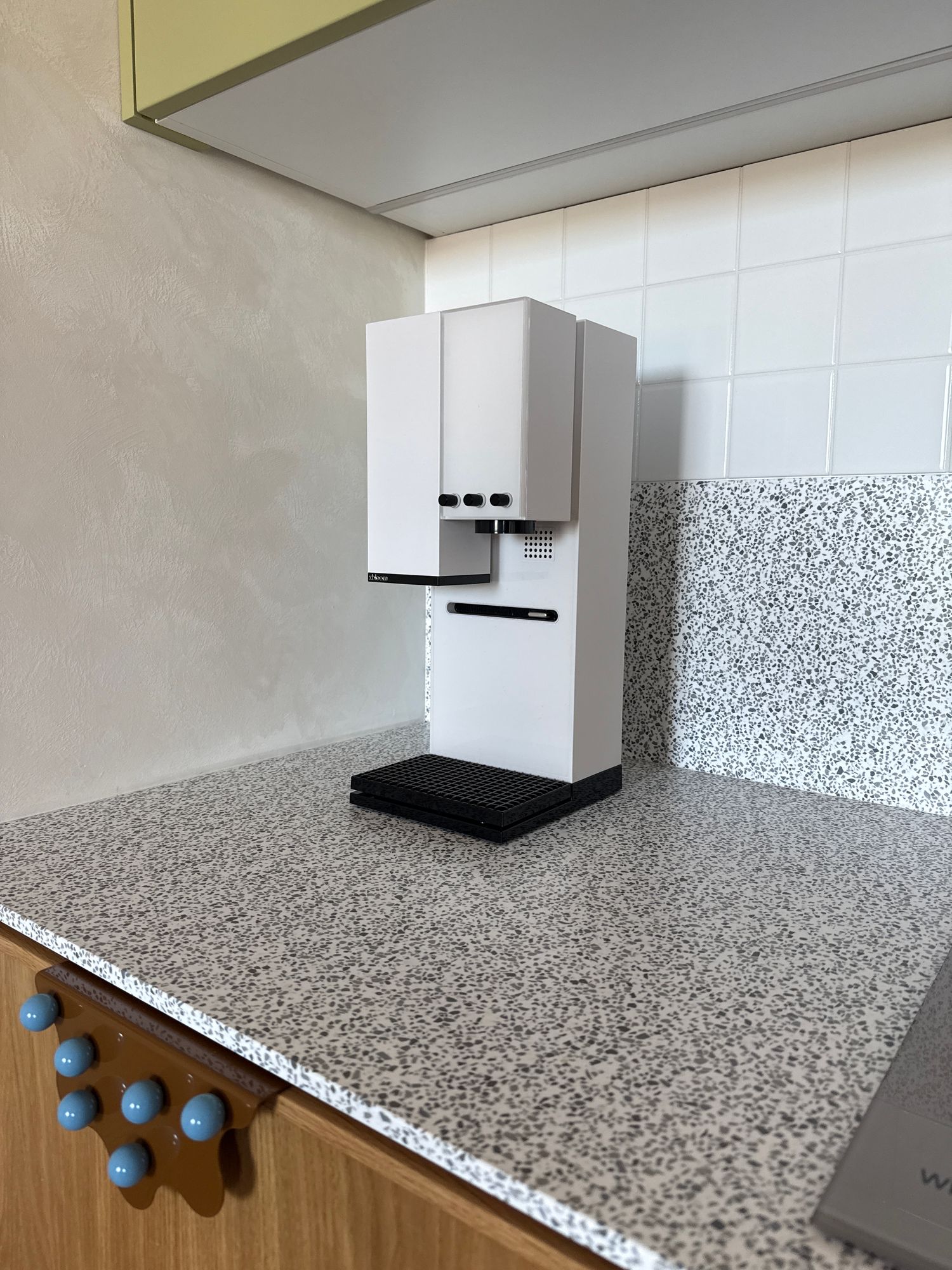 Customer photo
I love my xBloom. The Studio is a very solid machine.
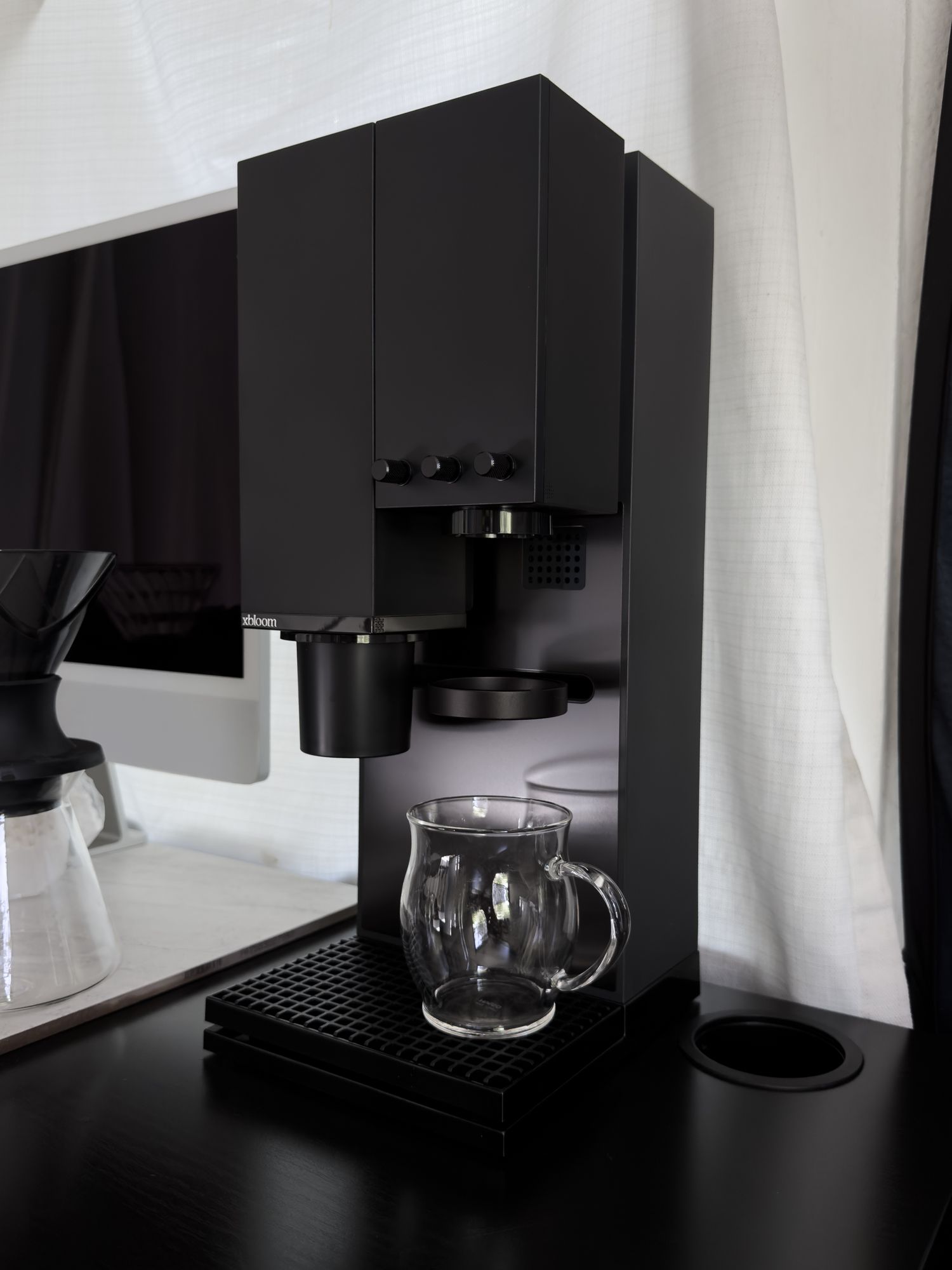 Customer photo
First time owning this machine and I already love it. It has everything you need from a scale, grinder and dripper. It is simplicity at its finest, and there are a lot of ways to brew with it. I look forward to creating my own recipes. If you want convenience and a beautiful coffee maker on your table, this is the one.
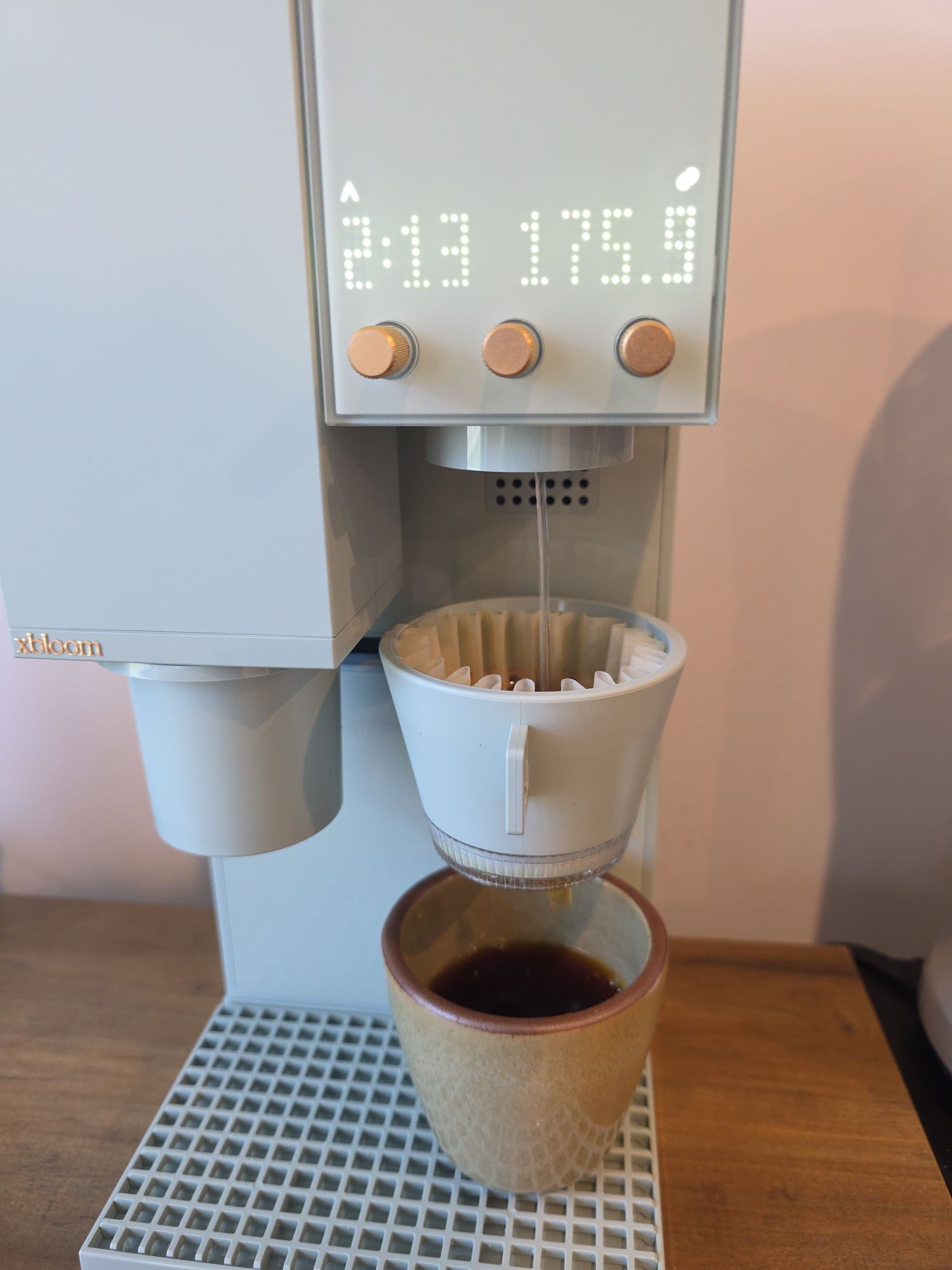
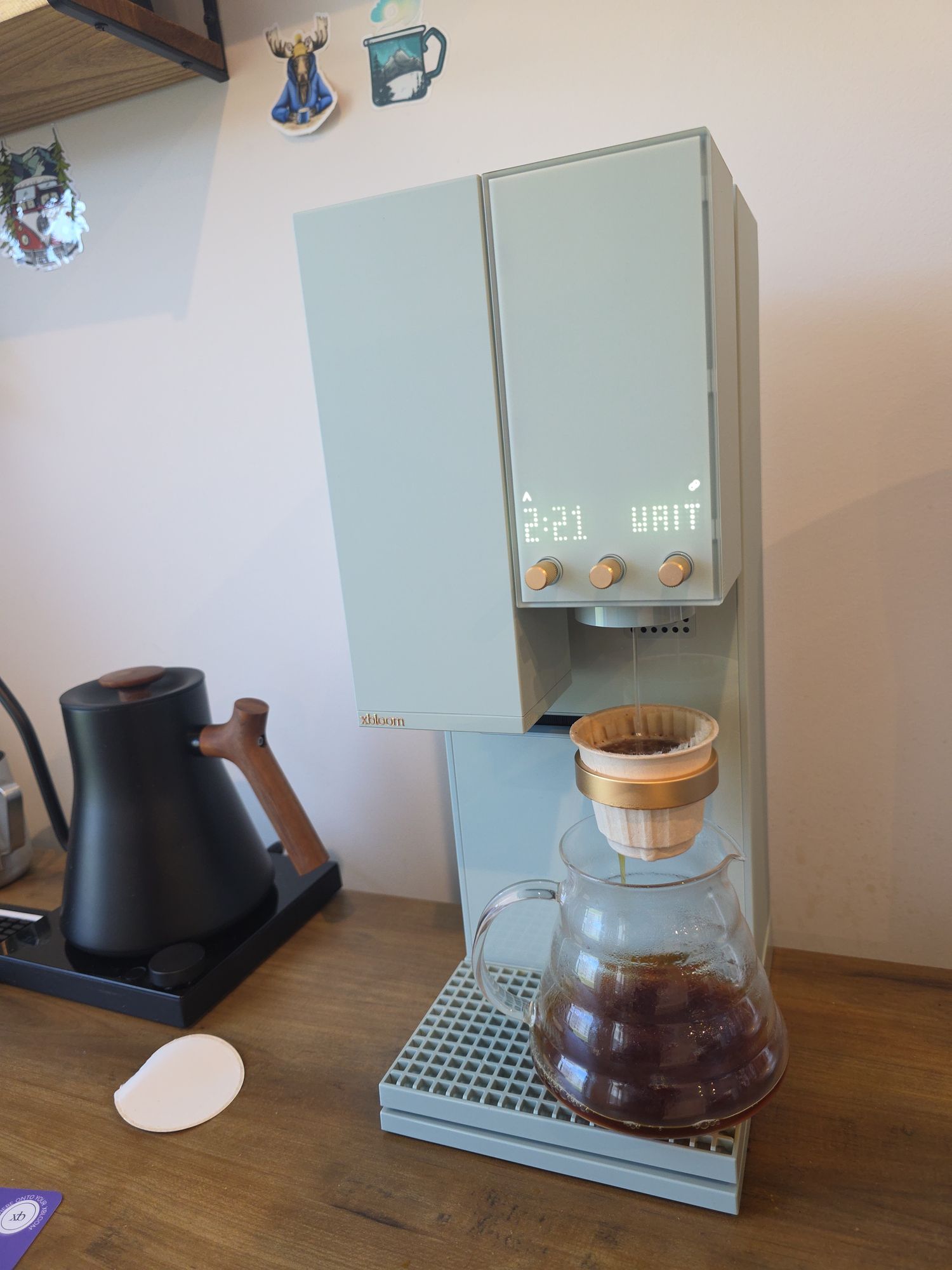 Customer photos
If you learned coffee, this is the best toy you'll find.
Build and save your own brew recipes.
Adjust flow rate, pouring structure, temperature, ratio, and timing directly from the app.
Browse roaster recipes, order xPods, and share brew profiles with other users.
The app becomes the control centre for the entire xBloom system.
xBloom is not just another automatic brewer. It combines grinder, scale, brewer, app control, and roaster-programmed recipes in one system.
| Feature | xBloom Studio | Fellow Aiden | Moccamaster |
|---|---|---|---|
| Built-in grinder | Yes | No | No |
| Integrated precision scale | Yes | No | No |
| Automated pour-over flow | Yes | Yes | No |
| App control | Yes | Yes | No |
| Use your own beans | Yes | Yes | Yes |
| Roaster-programmed recipes | Yes | No | No |
| Automatic grind-to-brew workflow | Yes | No | No |
| Available to try at Nordic Brew Lab | Yes | No | No |
xBloom is for people who want the repeatability of automation, without removing the choice, control, and coffee quality that make pour-over interesting in the first place.
Great home brewing isn’t about making one exceptional cup. It is about repeating it with the same clarity, sweetness, and balance, every time.
Stable grind size, controlled water delivery, and precise sequencing help the coffee extract more evenly and present its flavour profile with greater definition. Benefit: coffees taste cleaner, more expressive, and closer to their origin character.
Brew variables remain repeatable from cup to cup, reducing the small shifts that normally change how a coffee tastes from one day to the next. Benefit: the same balanced cup, more reliably.
Automated workflow removes the need for constant dial-ins, intense focus, or perfectly executed pouring technique during busy routines. Benefit: high-quality coffee even on ordinary mornings.
Brew recipes can be adjusted, saved, and executed with precision, allowing intentional experimentation without losing repeatability. Benefit: creative freedom with professional-level precision.
xBloom simplifies the technical side of brewing, so more of your attention can stay on what actually matters: the coffee in the cup.
xBloom is not trying to replace the pour over ritual. It is built to make high-level coffee more consistent and easier to explore, whether you are completely new to pour over or already deep into specialty coffee.
xBloom helps make high-quality brewing easier to repeat by reducing some of the variability that naturally comes with manual pour over brewing. It is not trying to replace fully manual brewing, but rather make specialty coffee more consistent and easier to explore at home.
The different brewing modes allow the complexity level to adapt to your experience. Autopilot simplifies the process dramatically, while Copilot and Freesolo give you progressively more control over the brew.
xBloom still allows deep recipe control over variables like grind size, pouring structure, temperature and flow rate. It does not remove control. It simply makes precision easier to repeat.
Even experienced brewers have days where pouring structure, timing or flow rate drift slightly. xBloom helps create more repeatable brews while still preserving the character of the coffee itself.
xBloom is designed for people who want more precision and consistency at home without needing a full grinder, scale and kettle setup every single morning.
xBloom is built around specialty coffee and precision brewing rather than large-volume drip coffee.
The xBloom Studio is specifically designed for filter coffee and pour over style extraction. Although the built-in grinder is capable of grinding fine enough for espresso.
Some people genuinely love controlling every variable by hand from start to finish. xBloom is not trying to replace that experience.
xBloom is designed as a premium long-term brewing system focused on cup quality, consistency and experience.

Roaster collaboration
Every xPod recipe begins with the roaster’s own work, their grind setting, dose, temperature, and flow structure translated into a brew profile that can be repeated at home. The result is not just convenience, but a closer expression of how the coffee was actually meant to taste.
This isn’t a generic brew guide or a suggested recipe. Each coffee is fully programmed by the roaster, with the exact grind size, temperature, flow rate, and pouring structure already dialed in. When you scan a pod or recipe card, the system simply executes it. No adjustments, no guessing - just the coffee, exactly as the roaster intended it to taste.
A more direct connection between roaster and cup, giving you both better consistency and a clearer understanding of each coffee.
xPods combine whole bean coffee with roaster-programmed brew recipes, turning the pod itself into a single-use pour-over brewer. Here’s how the workflow works, step by step.

Scan the recipe card for your coffee. xBloom reads the brew profile and loads the recommended recipe automatically.
This includes grind size, water temperature, bloom time, flow rate, and pouring structure.
xPods contain whole beans — not pre-ground coffee. Open the xPod and pour the beans into the grinder.
The machine grinds the coffee fresh before brewing.
Place the empty xPod into the dock and put your cup underneath. The xPod itself now acts as the pour-over brewer for the coffee.
Think of it more like a single-use pour-over dripper than a traditional capsule.
Press start and xBloom runs the full recipe automatically — from grinding to the final pour.
You can brew the recipe as provided, adjust it in Copilot, or fully customise it in Freesolo.
Looking to serve better coffee without building a full barista workflow? Nordic Brew Lab supplies xBloom Studio to selected businesses across the Nordics, from offices and retail spaces to cafés that want a more consistent way to serve filter coffee.
Three independent modules: grinder, brewer, and scale. Use them together, or each one on its own.


Ready to brew better?
Order xBloom Studio online, or visit us in Stockholm or Malmö to experience it in person. Nordic Brew Lab is the official Nordic distributor of xBloom.
Shop xBloom now →The xBloom Studio is an all-in-one pour-over brewing system that integrates a grinder, precision scale, and brewer into one coordinated workflow. It is designed to replicate the structure of manual pour-over brewing — with the option to automate or manually control every variable.
Yes, anyone can use xBloom and that’s the entire idea.
xBloom removes much of the complexity that normally makes great pour-over difficult at home. The grind size, temperature, flow rate, and pouring structure can already be programmed for the specific coffee you’re brewing.
In practice, the workflow is simple: scan the recipe, pour in the beans, place the xPod, and press start.
You don’t need barista-level technique to brew excellent coffee consistently.
The three brewing modes, Autopilot, Copilot, and Freesolo, allow the xBloom to adapt to your level of knowledge and how much control you want over all the variables.
No. You can brew directly on the machine without using a phone.
xBloom Studio has built-in controls that let you brew with your own beans or xPods, recipe cards, or the preset A/B/C recipes directly from the machine itself.
The app is optional for everyday brewing, but becomes useful if you want to save recipes, explore community brew profiles, order xPods, or access deeper recipe customisation and advanced controls.
xBloom is a dedicated pour-over machine designed to replicate pour-over recipes, pouring-patterns, flow rate and temperature changes of a pour-over coffee. xBloom is not a batch brewer due to to having a maximum brew capacity of 20g, meaning a 300ml brew at a time.
A traditional pour-over setup requires a separate grinder, scale, kettle, and brewer — and relies entirely on your technique.
xBloom Studio integrates all of these components into a single system. In Autopilot mode, the entire brew sequence executes automatically. In Copilot and Freesolo modes, you can adjust grind size, flow rate, temperature, ratio, and pouring structure — just like manual brewing.
The difference is structural precision and repeatability.
Each mode is designed for a different level of involvement.
Yes.
In Freesolo mode, you can manually adjust grind size, brew ratio, water temperature, and flow structure. You are not limited to preset profiles.
This makes xBloom Studio suitable for advanced coffee enthusiasts and professionals who want full control.
Yes. xBloom is designed to be approachable for beginners, while still offering enough control for experienced brewers.
To use xBloom is simple and intuitive. In Autopilot mode, you can choose between preset A, B, or C recipes, while the machine automatically handles grind size, pouring structure, temperature, flow rate, and timing, making it easy to brew high-quality coffee without needing advanced brewing knowledge or complicated techniques.
At the same time, more experienced users can adjust recipes, fine-tune variables, and explore fully manual workflows through Copilot and Freesolo modes.
Yes.
You can design custom brew profiles in the app, including temperature, flow structure, ratio, and timing. Recipes can be saved and reused or adjusted over time.
No.
It does not replace the ritual. It gives you the option to replicate the structure of manual brewing when you want consistency — and to manually control the process when you want involvement.
It can be as simple or as advanced as you choose. It's common to use at home for the morning coffee during busy mornings, or at the office to get that pour-over quality without having the knowledge to do it yourself.
Yes.
You can brew with your own coffee beans, xPods or recipe cards.
In Freesolo mode, you are completely independent of presets.
The built-in grinder is calibrated specifically for pour-over extraction and is designed to work in coordination with the scale and brewer. Built with 48mm conical burrs, with a variable RPM range between 60-120 RPM, and over 80 steps in grind size, allows for full control over grind quality.
The system is engineered so grind size adjustments correspond directly with brew parameters.
That depends on what you value.
If you enjoy the ritual of using separate tools and manually controlling every variable, Freesolo mode will feel familiar.
If you value integrated precision, structural repeatability, and workflow efficiency, xBloom Studio offers a level of system coordination that traditional setups cannot replicate.
Yes.
In Freesolo mode, you can define your own pouring structure and experiment with extraction patterns. Choose between circular, spiral and centre pours to fully control the flow and agitation of the coffee bed.
This makes it suitable for users who want to explore bloom timing, pulse pours, agitation control, and extraction curves.
Yes.
The system is specifically designed for high-quality specialty coffee, including light roasts that require precise temperature and flow control.
Yes.
Because grinding, weighing, and brewing operate as one coordinated workflow, it reduces variable drift between brews.
This results in improved cup consistency.
Yes, you can connect the xBloom directly to a water-outlet if your prefer the convenience of not having to fill the water tank yourself.
