

xBloom Studio | All-in-one-coffee-machine
Limited offer:Discover our xBloom Studio Starter Bundle
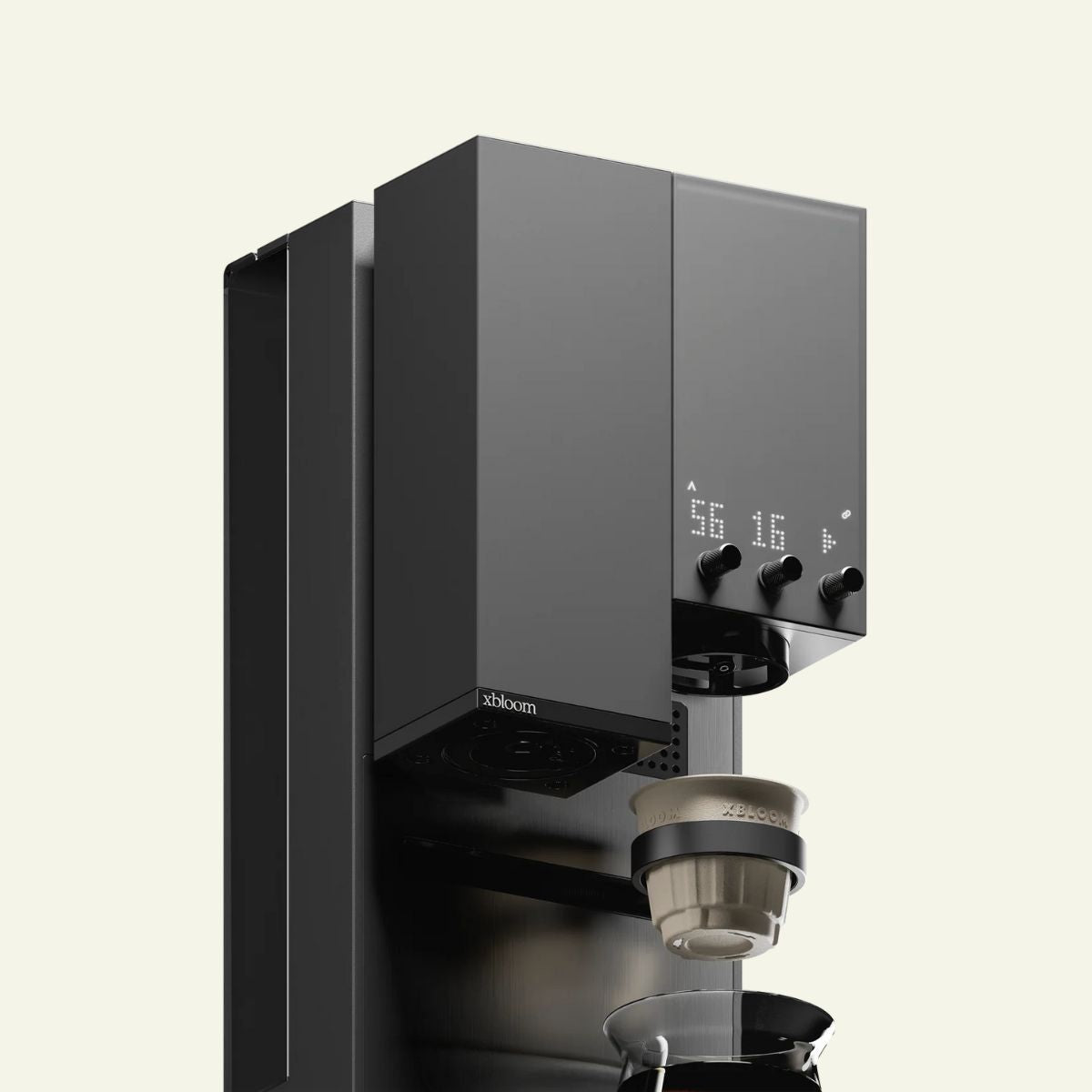
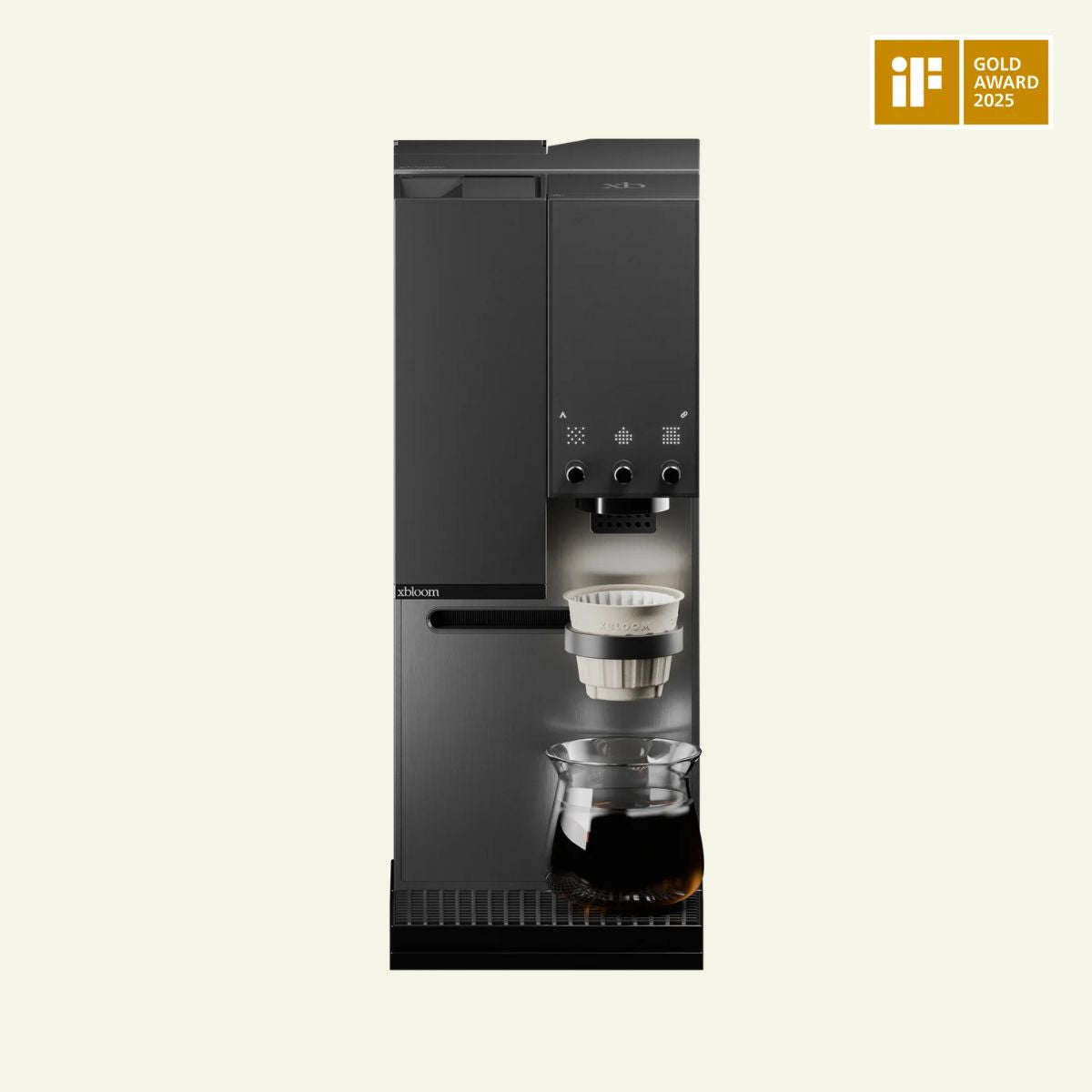
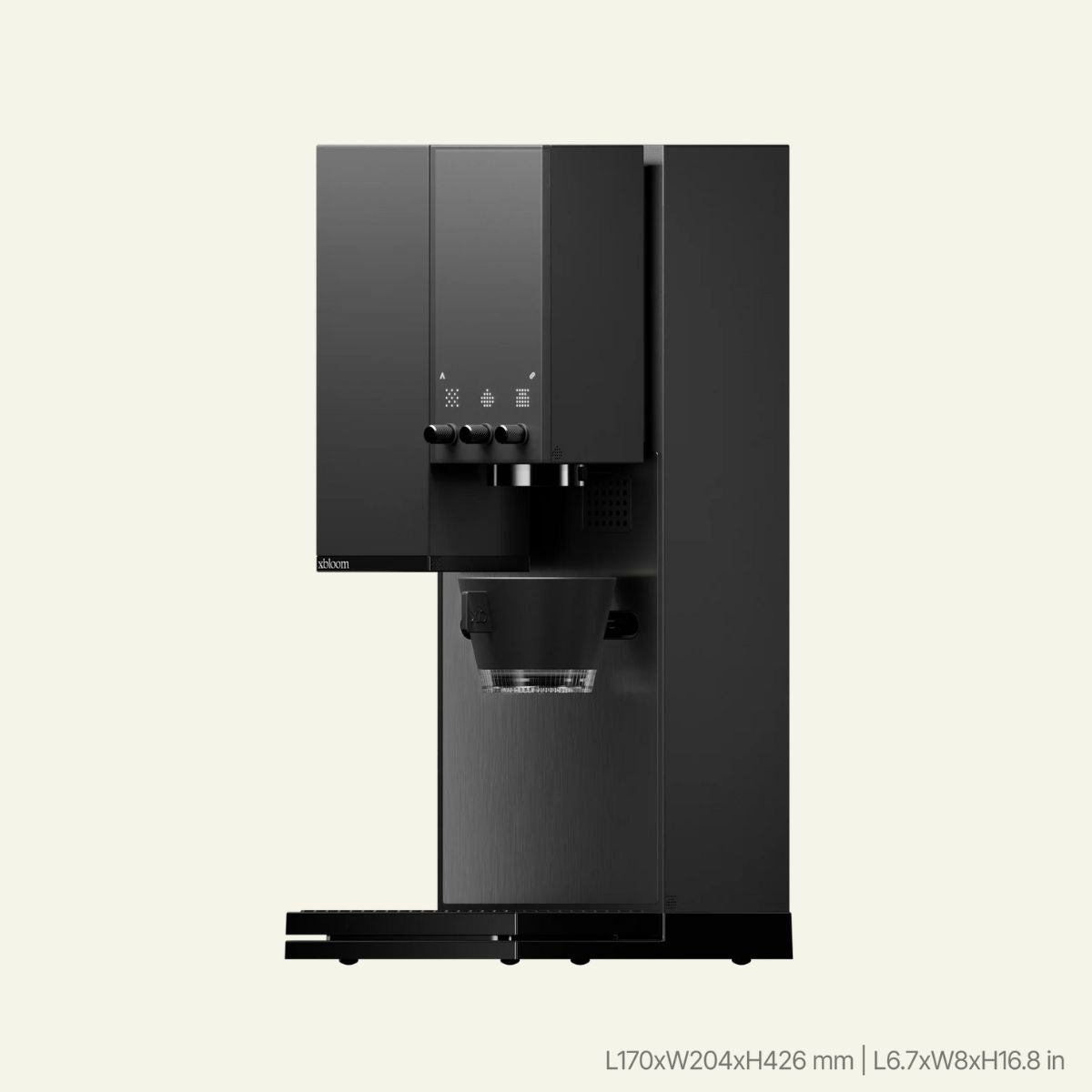
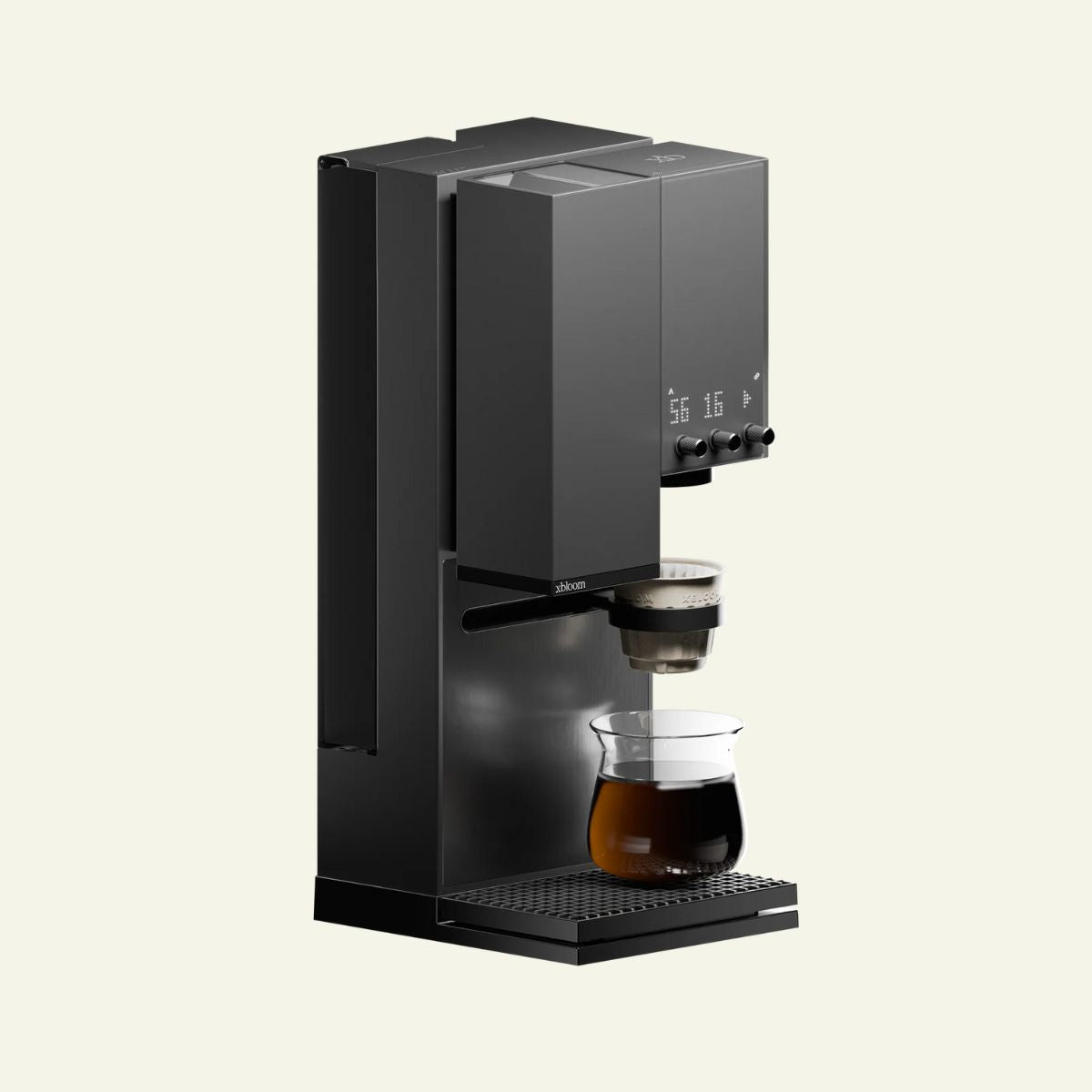
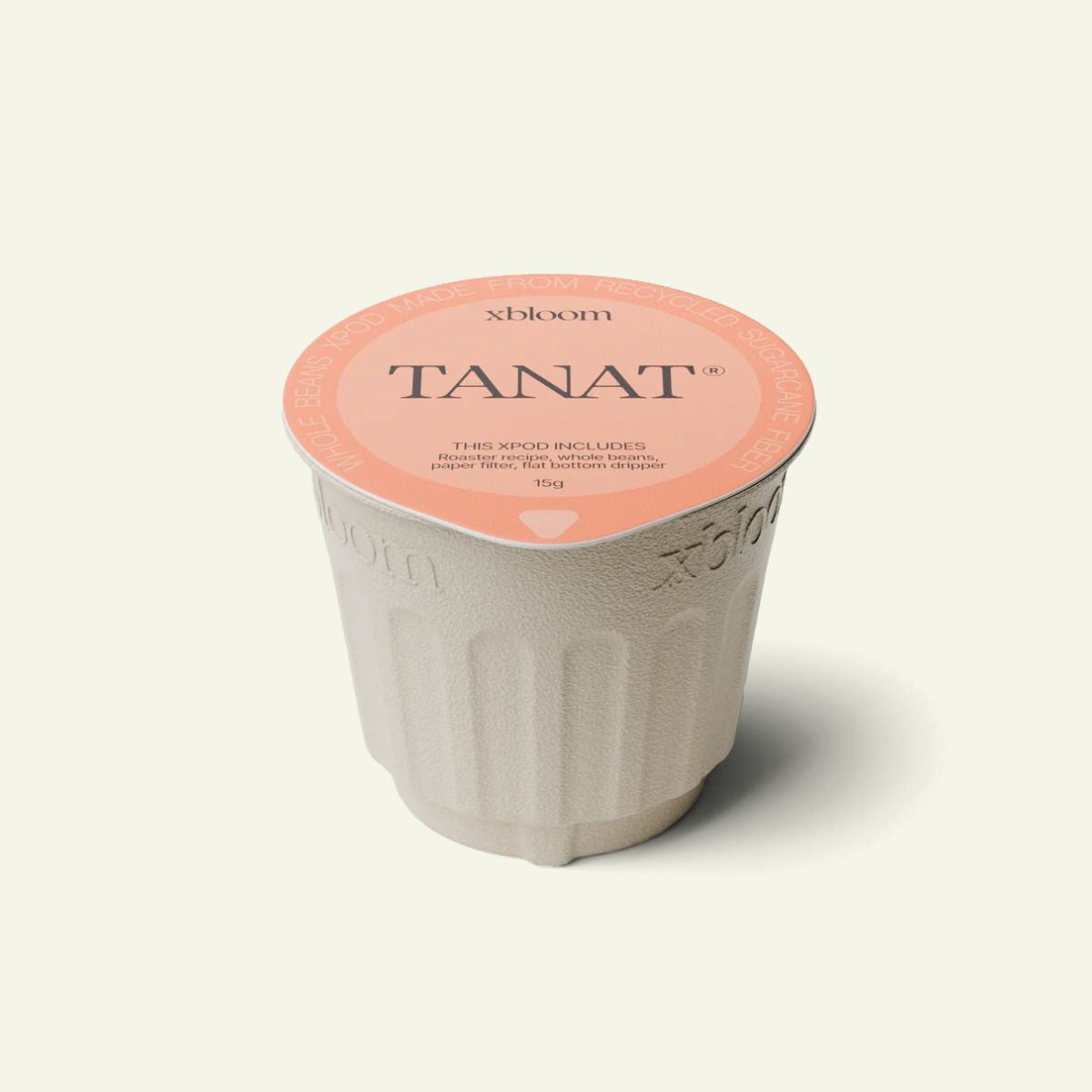
The xBloom Studio is an all-in-one grinder + brewer + scale with app control. Brew with your own beans, or use cruated xPods dialed in by roasters from all around the world.
xBloom Studio All-in-one Smart Coffee Machine - Grinder, Brewer, Scale
Key Features
✔️ All-in-one design: Built-in grinder, brewer, and precision scale
✔️ Three brewing modes: Autopilot, Co-Pilot, Freesolo
✔️ 48mm conical burr grinder with 80 precision settings
✔️ 0.1g accurate scale for precision measurements
✔️ Smart App connectivity via Bluetooth 5.0
✔️ Compatible with xPods or your own coffee beans
Nordic Brew Lab is the proud official and exclusive Nordic Partner for xBloom.
Discover more about xBloom Studio here
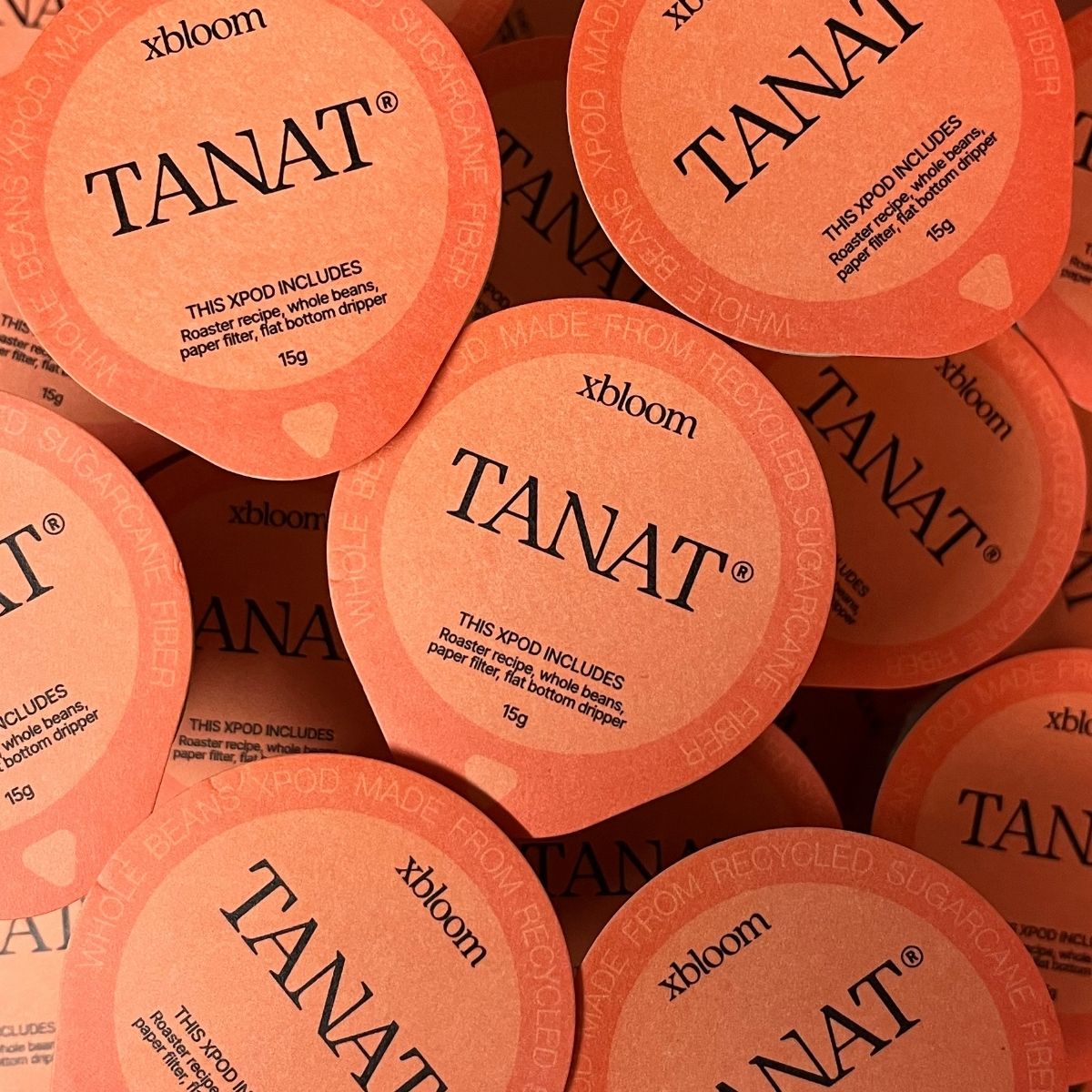
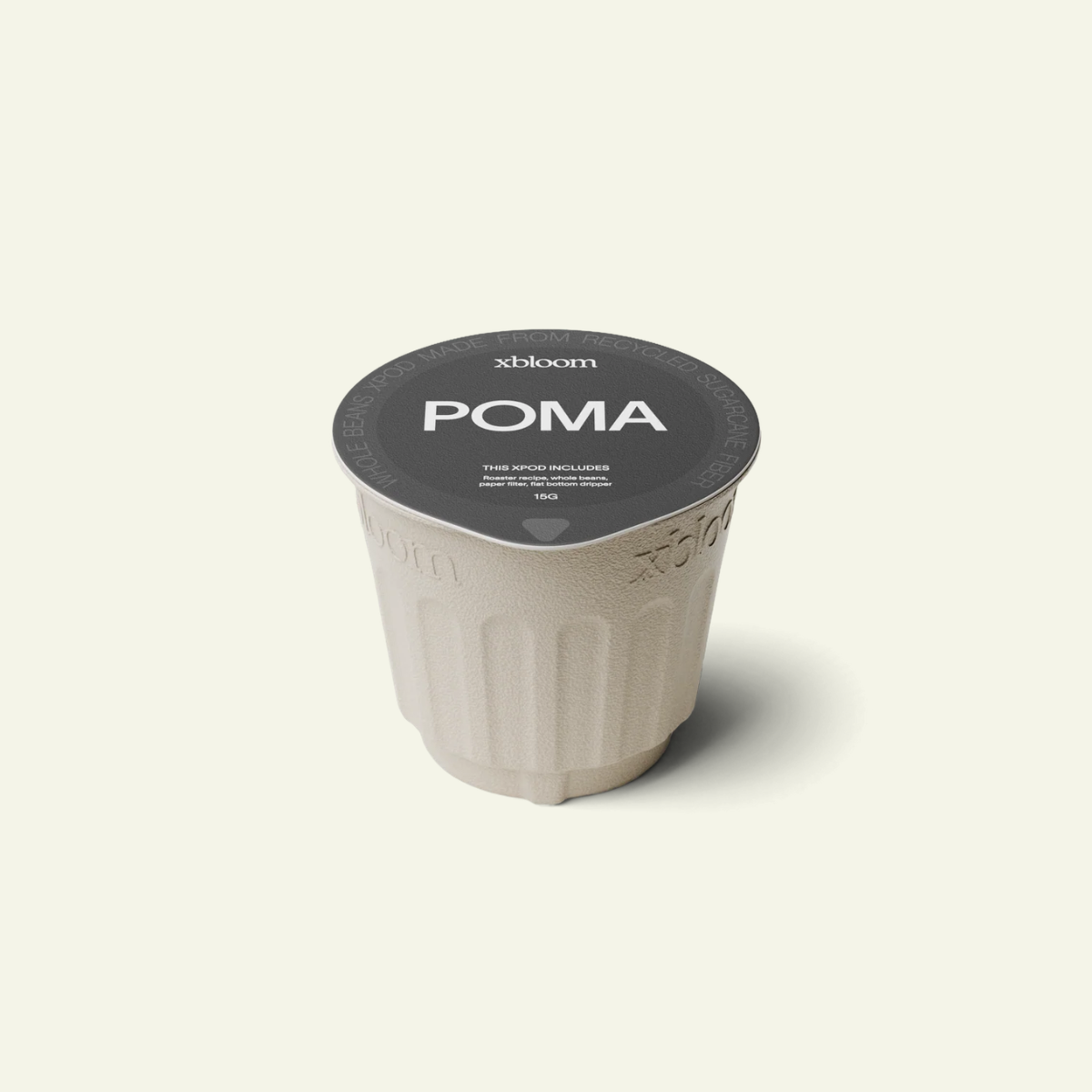
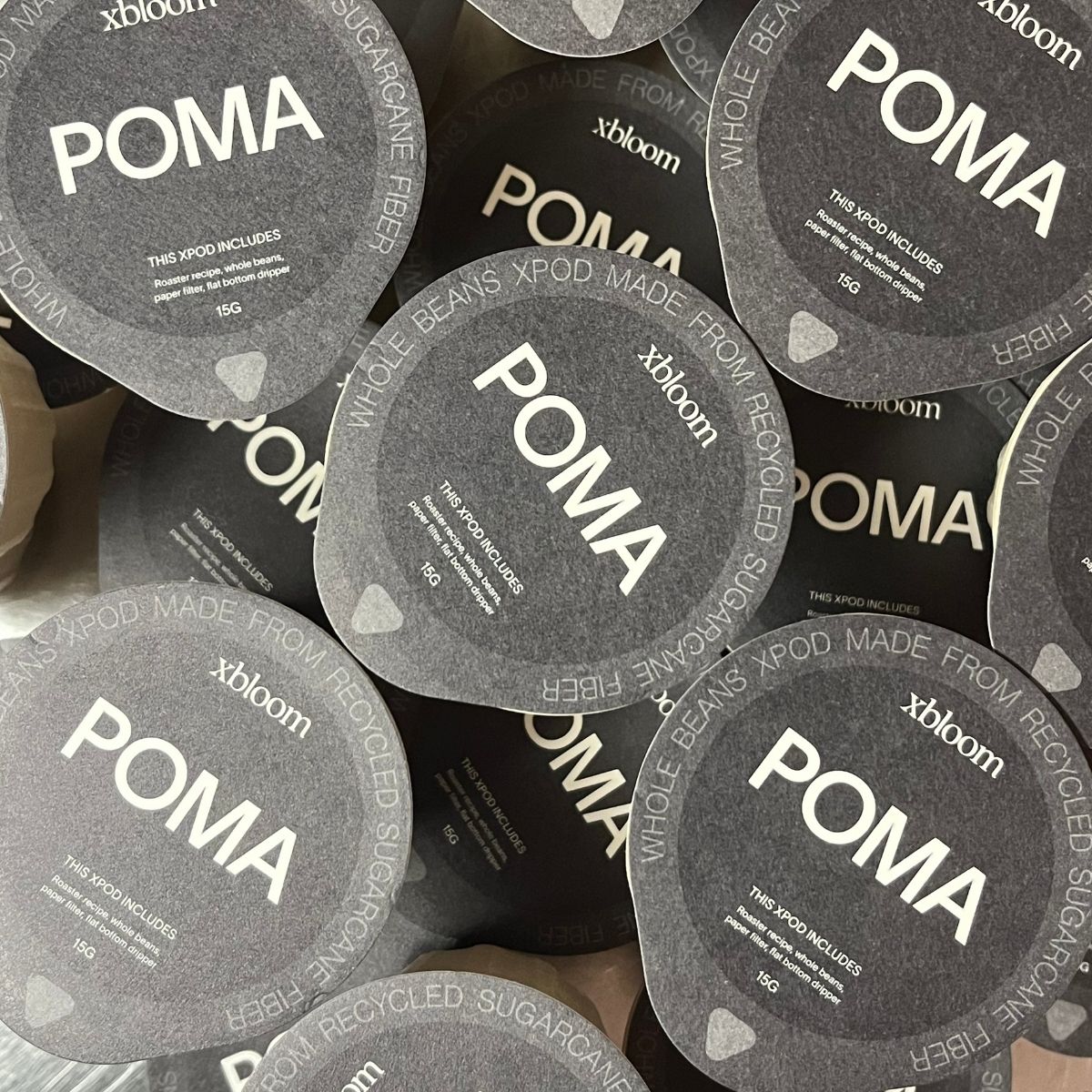
xPods for xBloom
Studio Bundle
Get any 2 bags of xPods free with any xBloom Studio purchase. Simply add your selection to your cart and the xPods will automatically discount.
xBloom Studio Features & Specifications
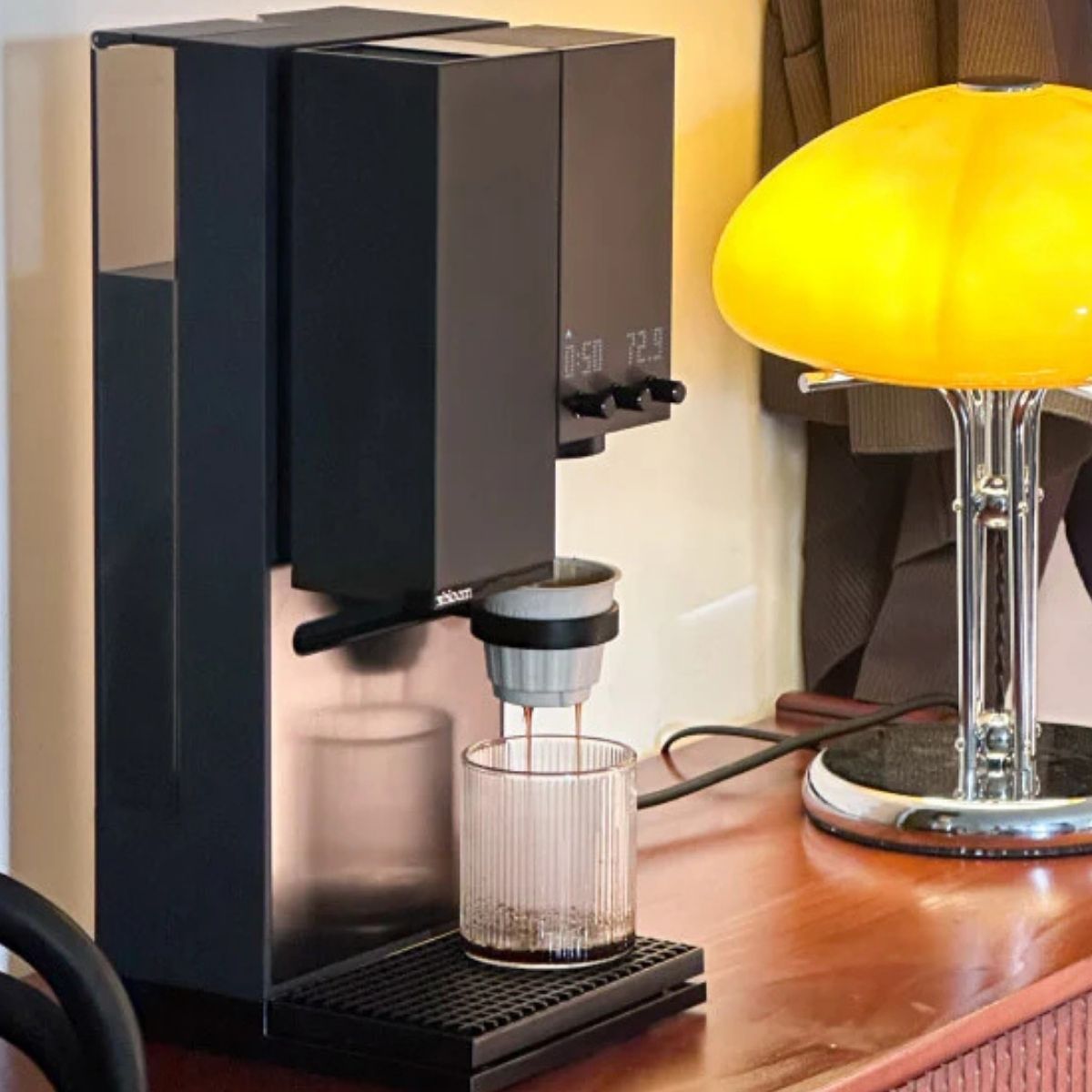
The xBloom Studio is an all-in-one precision brewing system designed for people who care deeply about coffee — but don’t always want to stand over a kettle every morning.It combines a grinder, brewer, scale, instant hot water dispenser and tea brewer into one compact setup, built to make exceptional coffee feel effortless without removing the depth and control that specialty coffee enthusiasts care about.
At its core, the xBloom is about consistency. The system controls variables like flow rate, temperature, pouring structure and grind size with a level of precision that is extremely difficult to replicate manually every single morning.
And when you want more control, the xBloom gives you plenty of it. Using the companion app, you can adjust brew temperature, pouring structure, flow rate, bloom time, grind size and more.
Autopilot — scan a recipe card or xPod and let the system handle the entire brew automatically.
Co-pilot — guided brewing with room to adjust and experiment.
Freesolo — complete manual control over every brewing variable.
The system is compatible both with curated xPods from specialty roasters and your own beans and recipes. You can brew using recipes developed by respected roasters, or create and save your own.
FAQ
Use this text to share information about your product or shipping policies.
What's included in the box?
The box includes the xBloom Studio machine, Omni Dripper 2, xPod dock, magnetic dosing cup, cleaning brush, paper filters, xPod starter pack, and quick start guide.
What is the xBloom Studio?
The xBloom Studio is an all-in-one pour-over brewing system that integrates a grinder, precision scale, and brewer into one coordinated workflow. It is designed to replicate the structure of manual pour-over brewing — with the option to automate or manually control every variable.
Can anyone use xBloom?
Yes, anyone can use xBloom and that’s the entire idea.
xBloom removes much of the complexity that normally makes great pour-over difficult at home. The grind size, temperature, flow rate, and pouring structure can already be programmed for the specific coffee you’re brewing.
In practice, the workflow is simple: scan the recipe, pour in the beans, place the xPod, and press start.
You don’t need barista-level technique to brew excellent coffee consistently.
The three brewing modes, Autopilot, Copilot, and Freesolo, allow the xBloom to adapt to your level of knowledge and how much control you want over all the variables.
Is a phone needed to brew with xBloom?
No. You can brew directly on the machine without using a phone.
xBloom Studio has built-in controls that let you brew with your own beans or xPods, recipe cards, or the preset A/B/C recipes directly from the machine itself.
The app is optional for everyday brewing, but becomes useful if you want to save recipes, explore community brew profiles, order xPods, or access deeper recipe customisation and advanced controls.
What is the difference between Autopilot, Copilot, and Freesolo?
- Autopilot executes a fully calibrated brew sequence automatically, by scanning a pod or a card.
- Copilot starts from a structured recipe but allows you to adjust variables.
- Freesolo gives you full manual control over grind, ratio, flow, and temperature.
Each mode is designed for a different level of involvement.
Can I fully control grind size and temperature?
Yes.
In Freesolo mode, you can manually adjust grind size, brew ratio, water temperature, and flow structure. You are not limited to preset profiles.
This makes xBloom Studio suitable for advanced coffee enthusiasts and professionals who want full control.
Can I use my own coffee beans?
Yes. The xBloom Studio works both with curated xPods and your own coffee beans and recipes.
How does the xBloom Studio compare to the original xBloom?
The xBloom Studio builds on the original xBloom with a larger water tank, integrated display, improved workflow and expanded manual control options through the app and brewing modes.