
Short answer: yes, if you love great pour-over but don't always have the time to make it yourself. No, if the hands-on ritual is the part you love most. The rest of this review explains why.
Who's Writing This
First, a bit about me. My name is Håkan Sävlind. I started out as a very passionate barista who spent his free time hosting coffee cuppings, running barista courses and competing in coffee competitions, where I've been a national finalist several times. I'm also a home brewer who makes pour-over at home almost every day.
Today I'm one of the co-founders of Nordic Brew Lab, the space we wish had existed when we first got into coffee. We focus on light and ultra-light roasted coffee and the whole ecosystem around it: the gear, the water and the brewing methods.
To be fully transparent: we are the official Nordic distributor of xBloom, so I do have a bias. That said, we only carry products we believe in and can stand behind, and I'll be just as clear about the downsides as the upsides. Let's get into it.
What Is the xBloom Studio?
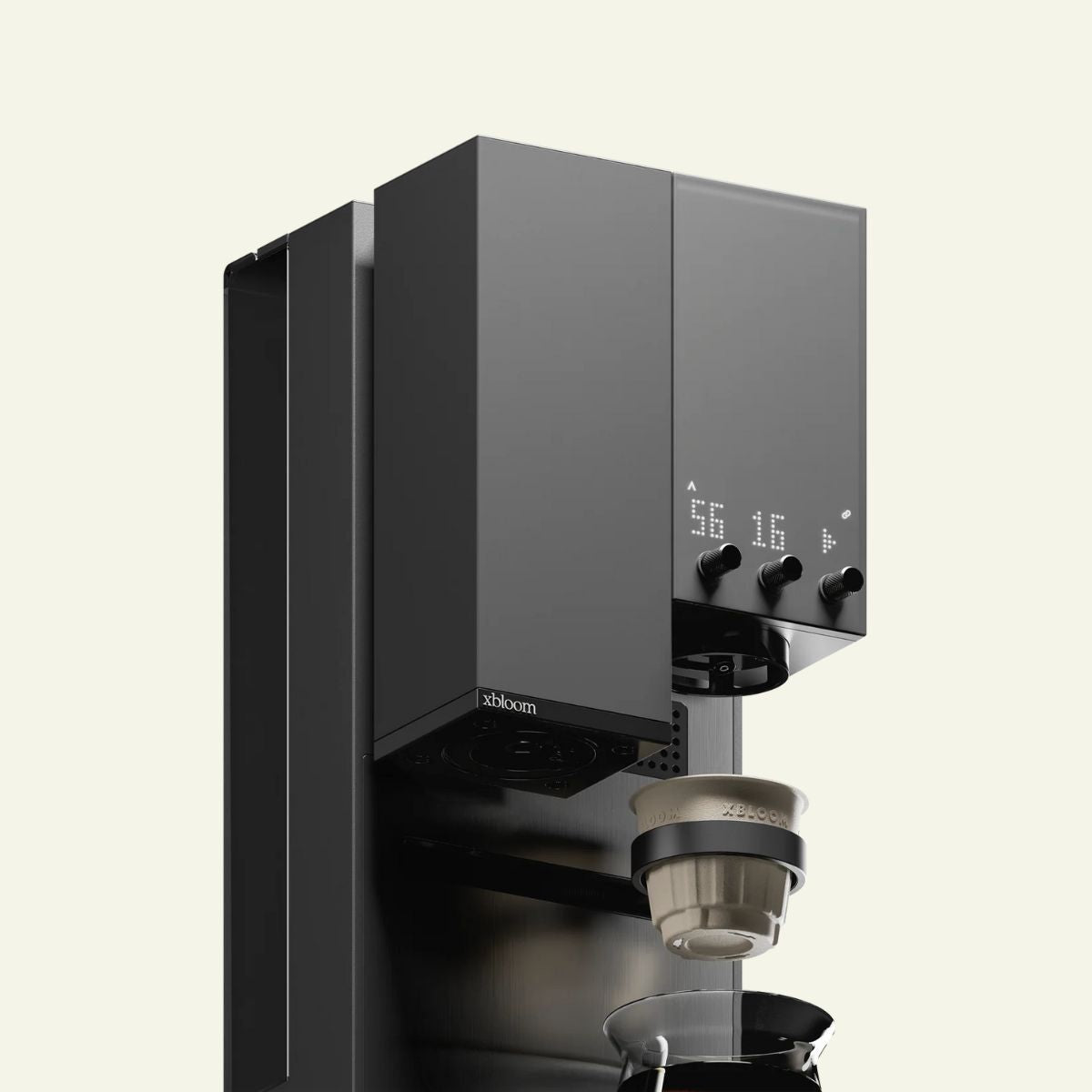
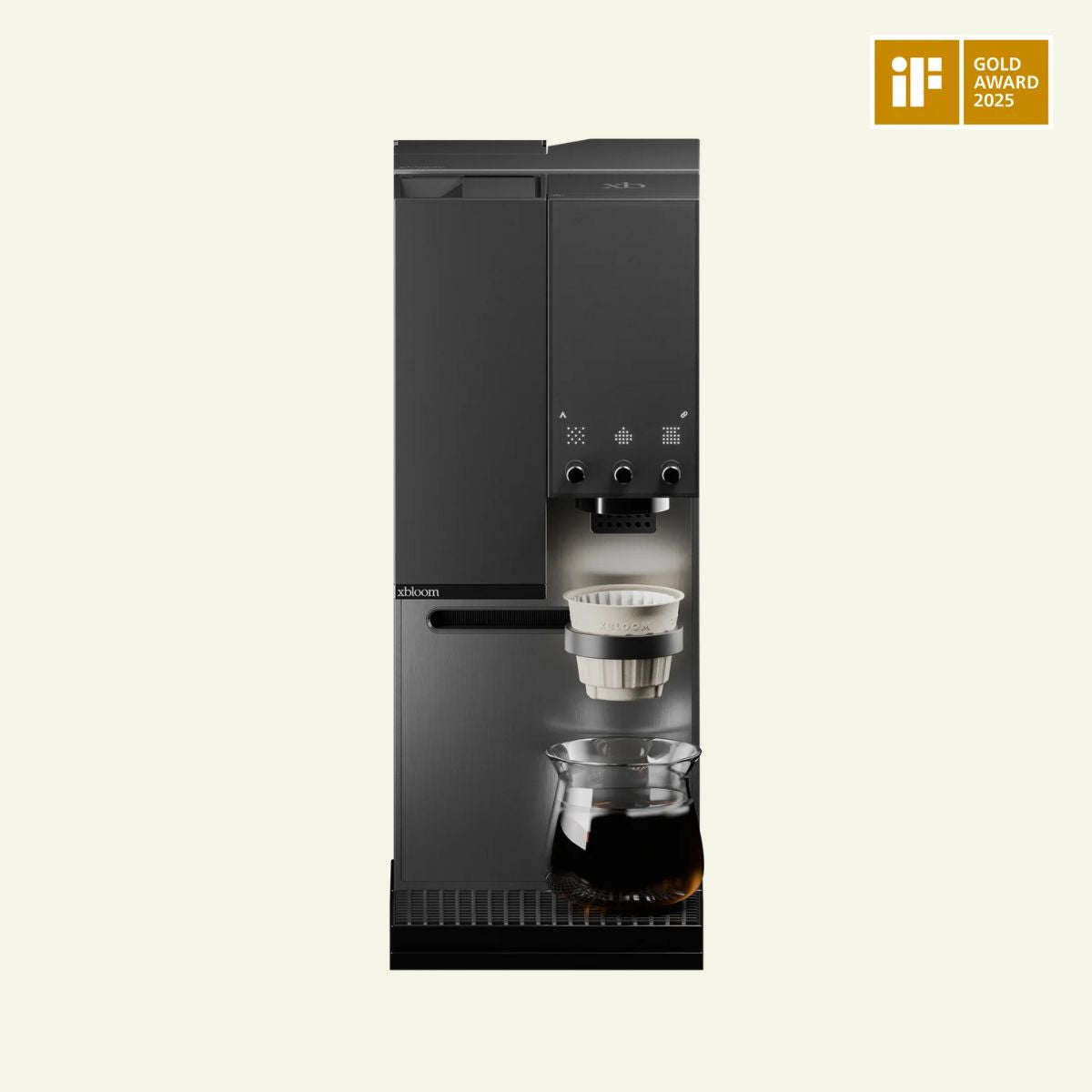
The xBloom Studio is an all-in-one pour-over machine with a built-in grinder, scale and brewer, on a footprint smaller than a sheet of A4 paper.
We call it a pour-over brewer rather than a batch brewer for a reason. A home batch brewer pours water over coffee in one fixed way. The Studio lets you control every variable you would control by hand: the number of pours, the temperature of each individual pour, the pouring pattern (spiral, center or circular) and whether the brewer agitates the coffee bed before or after a pour. In practice, that means you can replicate almost any pour-over recipe you like.
That might sound complicated. What makes the Studio unique is that you can keep it as simple or make it as advanced as you want, thanks to its three modes.
The Three Modes, From Easiest to Most Advanced
1. Autopilot: Press Start and Walk Away
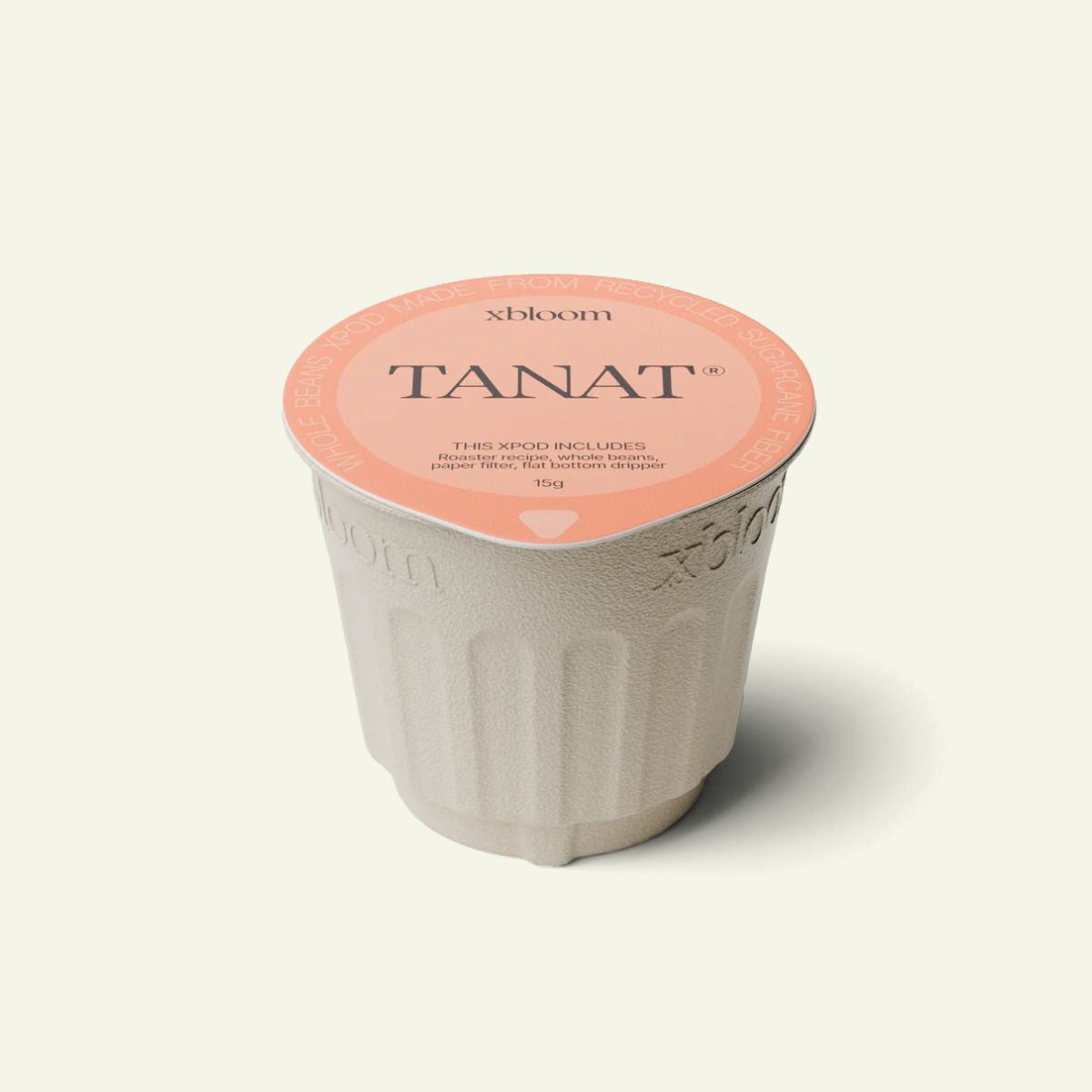
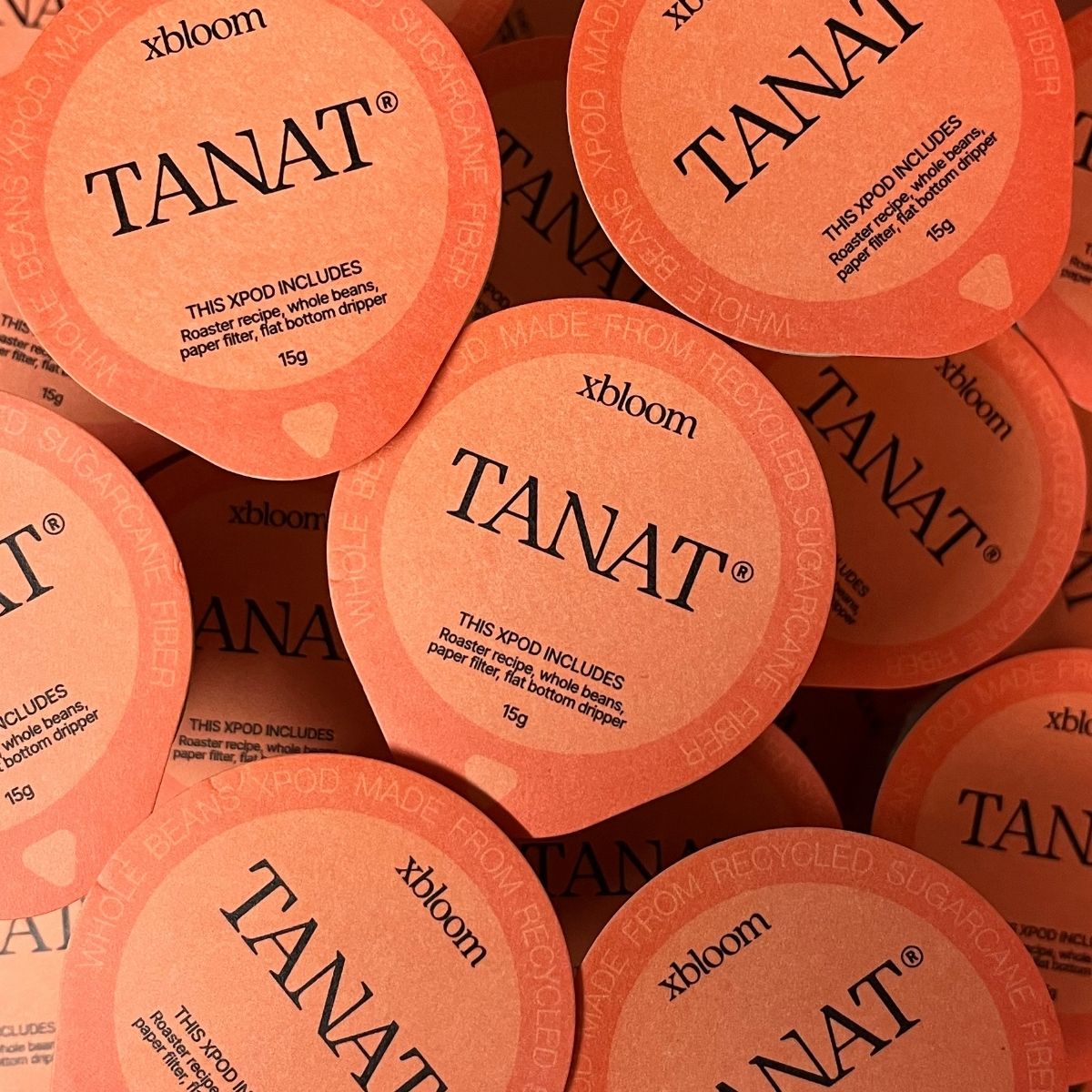
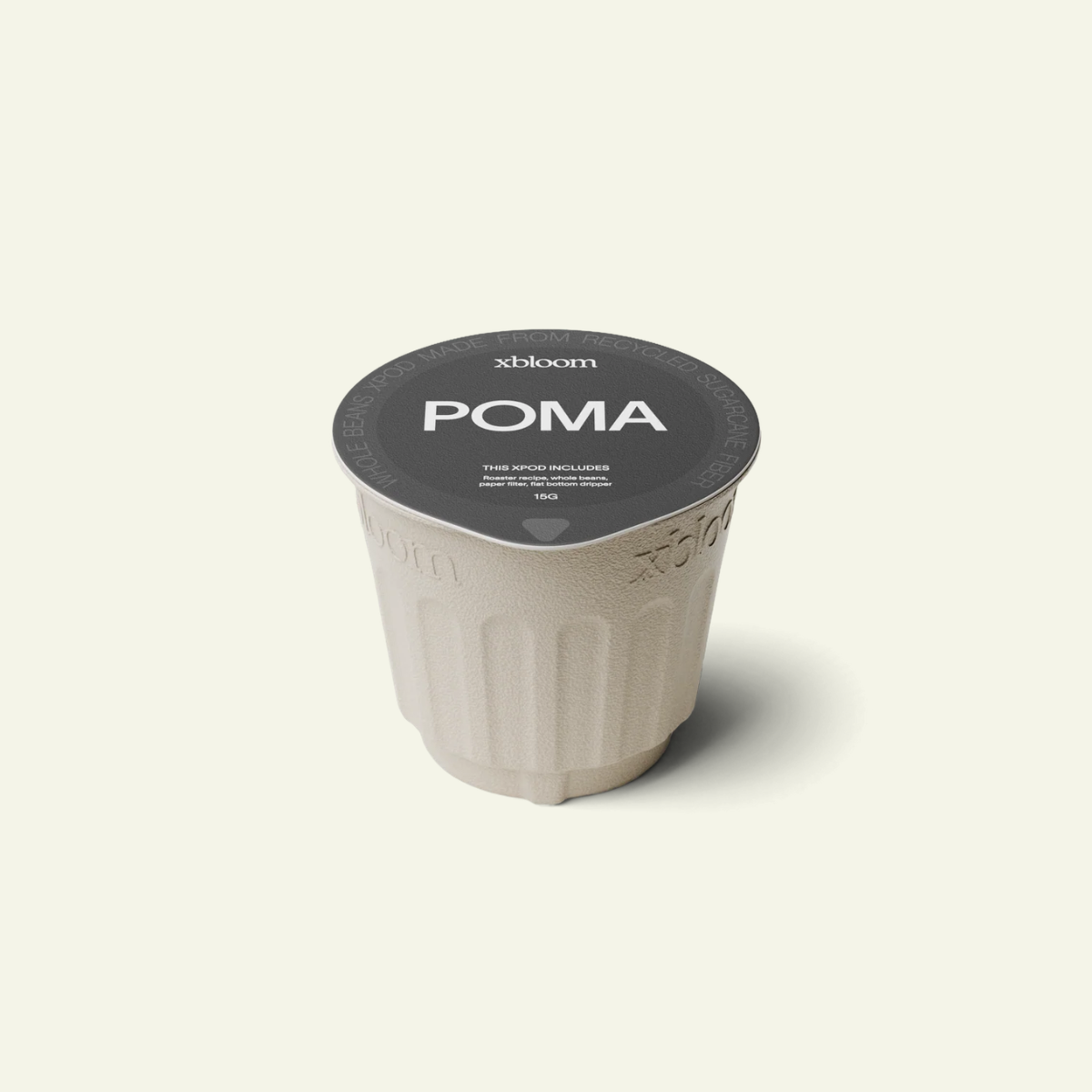
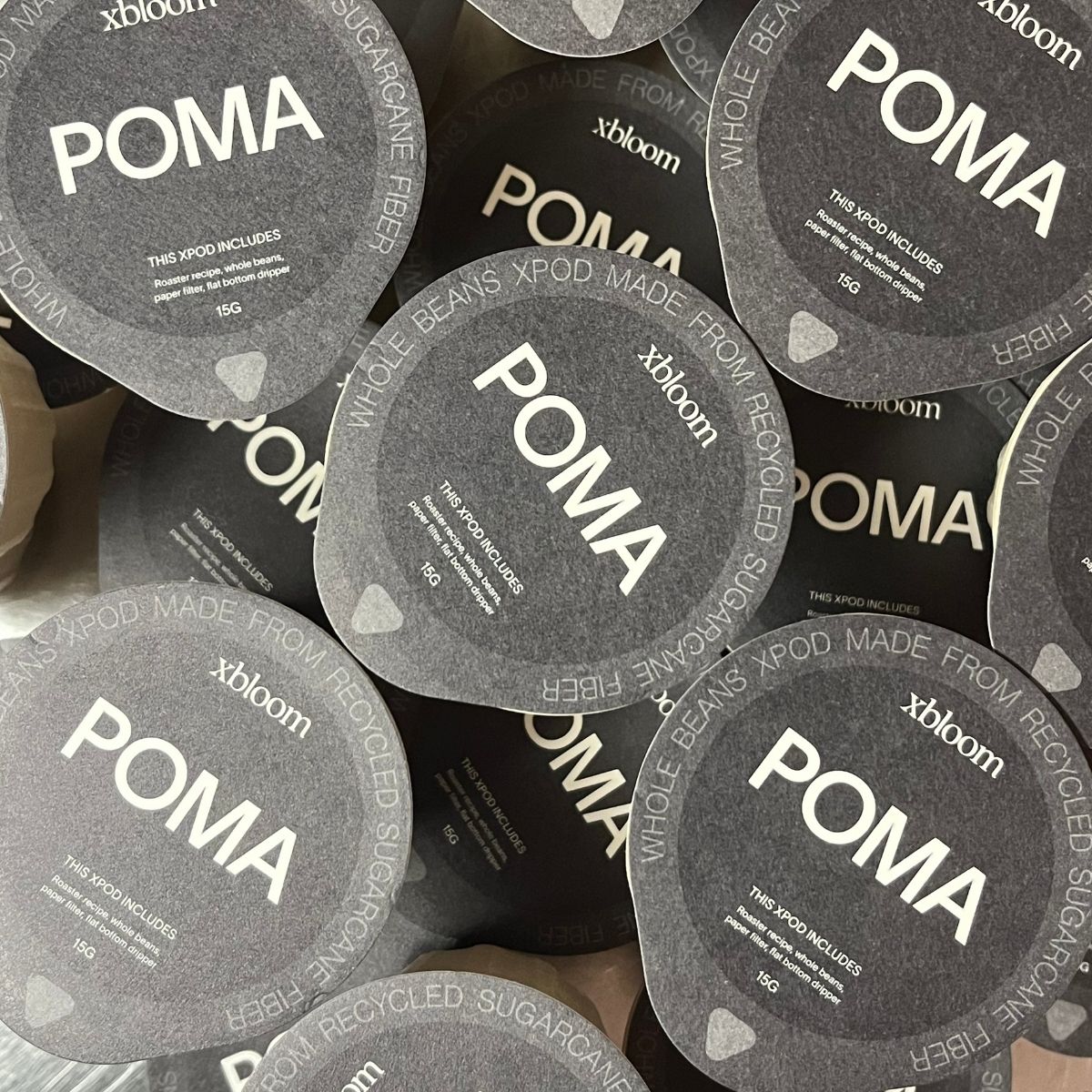
Don't want to bother weighing beans, grinding and brewing? Then Autopilot is for you. You use an xPod, a small pod filled with whole beans. Scan the card that comes with it, open the pod and pour the beans into the grinder. Place the empty pod in the pod holder, press start, and the Studio handles the rest, including the recipe and grind size.
Here's something most people don't know: for every xPod, the roaster sets their own custom recipe and grind size to bring out the best qualities of that particular coffee. You're essentially brewing the coffee the way the roaster intended.
We mostly brew our own beans, but we've tried many different pods to really put them to the test. Honestly, every pod we've had has tasted properly dialed in. If you value great coffee but don't want to learn about extraction, brew ratios and grind theory, this mode alone makes the Studio worth considering.
2. Copilot: Your Beans, a Proven Recipe
Copilot gives you more flexibility. You brew with your own beans and follow an existing recipe, either one built into the machine or one from the xBloom app, where you can browse a large library of recipes from roasters, cafés and friends.
There are a few ways to use it:
- Simplest: pick a recipe and weigh out the dose it calls for. You may need to adjust the grind size to suit your beans.
- Tweaked: open the recipe and adjust any parameter. Add or remove pours, change the temperature, and so on.
- From scratch: build your own recipe entirely. If you're a true coffee nerd, this is where the fun starts.
These are the variables you can program:
- Grind size
- Grinder RPM
- Brew ratio
- Number of pours
- Time between each pour
- Temperature of each pour
- Pouring pattern for each pour (spiral, center or circular)
- Agitation, meaning whether the brewer gently shakes the coffee bed before or after a pour
- Water flow rate
- Bypass, if you want to dilute the brew with water that never touches the coffee bed
Out of the box, the Studio comes with three built-in recipes: A for light roast, B for medium roast and C for dark roast. You can replace any of them with a recipe of your choice through the app.

3. Free Solo: Manual Pour-Over Without Holding the Kettle
In Free Solo mode you skip pre-programmed recipes entirely. It feels like brewing a manual pour-over, just without holding the kettle.
You use the grinder, scale and brewer as three separate tools. Grind your coffee at the setting you want, add it to the Omni Dripper (or any brewer that fits underneath) and place a carafe below. Then choose the temperature, pouring pattern and length of each pour on the brewer. When you press start, the timer runs just like it would during a manual brew. Between pours you can change the temperature or pattern for the next one. Very handy indeed.
What It Does Brilliantly
The Pod System Actually Delivers
Pods often sound better in theory than they taste in the cup. The xPod system works in practice. Because each roaster sets the recipe for their own coffee, the cups taste great straight away with no tweaking. It closes the gap between how the roaster tastes a coffee and how you taste it at home.
One Machine for Every Skill Level
You get several levels of difficulty in a single machine. If you want the simplest possible experience, Autopilot does the job. If you're a skilled coffee nerd who wants full control over every pour, that's all there too. It also means the machine can grow with you as you get more curious about coffee.
Consistency You Can Rely On
I've pushed the Studio hard at coffee festivals and competitions, brewing back to back for hours. The consistency from cup to cup has been very good. At home, that means the cup you loved yesterday is the cup you get today.
Pour-Over in Half the Time
The Studio isn't meant to replace the pour-over ritual. It's there to give you the same quality on the days you don't have time for it. Pour in the beans and press start: no waiting for a kettle to boil, no weighing, no standing over the dripper. And you get a grinder, scale and brewer in one compact unit, which frees up a lot of counter space compared with separate gear.
Serious Value for Money
At 8,250 SEK, the Studio is honestly hard to beat. You get a grinder, a precision scale and a brewer with pour-by-pour control over temperature, pattern and agitation. Buy a quality hand grinder, a brewing scale and a temperature-controlled gooseneck kettle separately and you'll land at roughly the same price, and you'd still be doing all the pouring yourself.
A Built-In Grind Size Guide
There's a grind size recommendation chart on the lid of the water tank. It's a real help when you're just getting started with your own beans.
It Can Even Grind for Espresso
A nice bonus: the Studio's grinder goes fine enough for espresso. It takes a while, but it gets there.
Built-In Agitation
No other coffee brewer on the market has built-in agitation, and it's one of the parameters that brings the Studio closest to a real hand-poured brew. The closest alternative is a Poursteady, a commercial machine that costs more than ten times as much and takes up significantly more space.
It Brews Tea Too
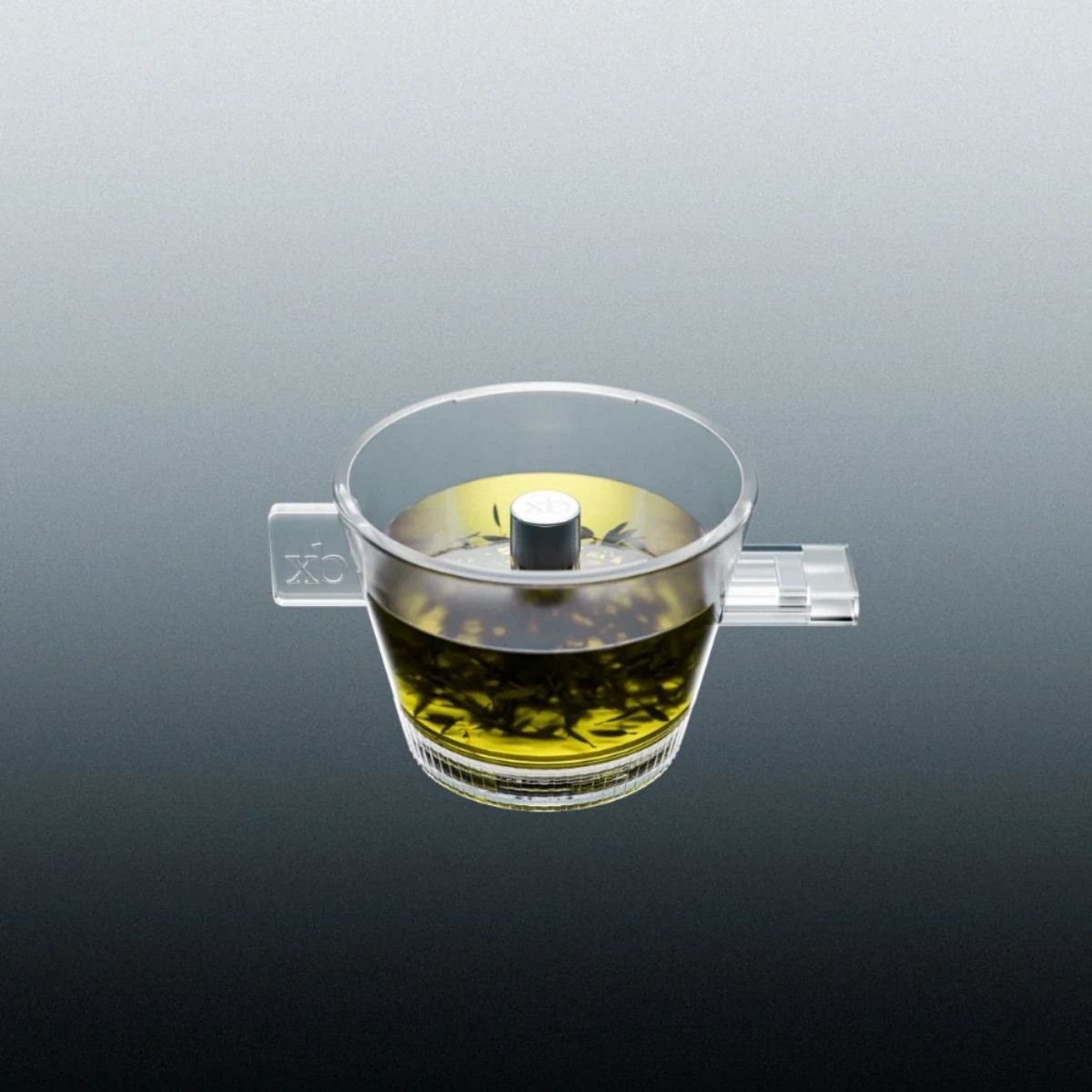
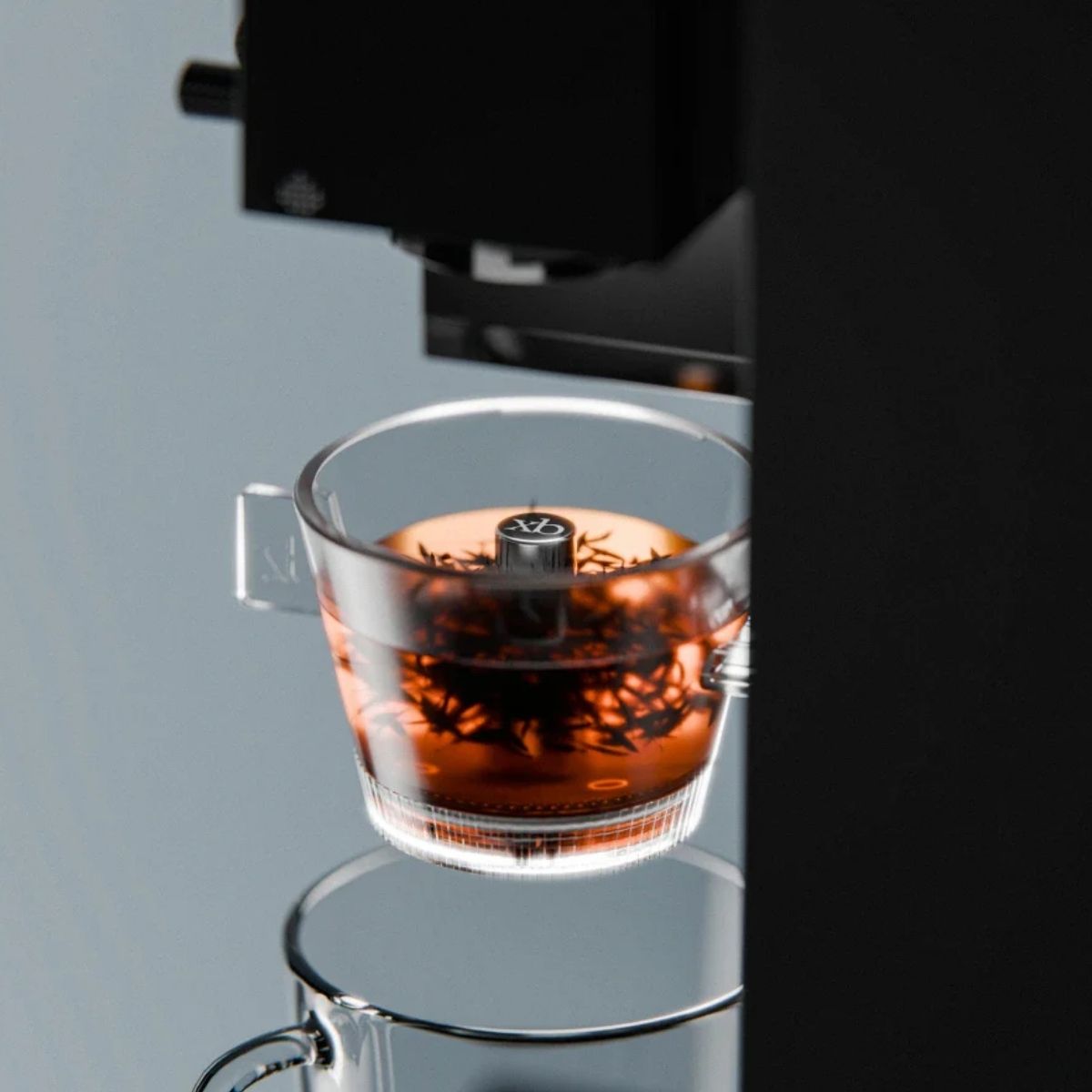
Tea isn't our thing at Nordic Brew Lab, but the Studio can also be fitted with a tea brewer. That makes it a convenient single device for a household where some drink coffee and others drink tea.
Where It Falls Short
No machine is perfect, and you deserve to know the downsides before you buy.
The Filter Can Fold
In Autopilot and Copilot there's a risk that the paper filter folds over and coffee grounds end up in your cup. It's annoying when it happens. The good news is that it's easy to avoid: make sure the filter sits flat in the Omni Dripper and doesn't stick up over the edge before you press start.
Limited Brew Size
The Studio brews up to about 300 ml at a time. I'd love the option of a 500 ml brew for two people or a slow Sunday morning. The limit is the trade-off for the precise, pour-by-pour control you get at this price, but if you regularly brew for several people, keep it in mind.
A Small Water Tank
The tank is small, which is both good and bad. If refilling bothers you, there's a water connection kit that lets you plumb the Studio straight into your water supply. On the plus side, fresh water always tastes better than water that has been sitting in a tank, so a small tank nudges you toward fresher water for each brew.
You Give Up Some of the Ritual
For many of us, the pleasure of pour-over is in the doing: watching the bloom, steering the pour, smelling the coffee as it brews. Autopilot and Copilot take that part away by design. Free Solo brings back some of it, but if the hands-on ritual is the whole point for you, a kettle and a V60 will always feel more personal.
That said, watching the Studio brew on its own is a genuinely fun experience in itself.
Pros and Cons at a Glance
| Pros | Cons |
|---|---|
| Roaster-set recipes make xPods taste dialed in from the first cup | Filter can fold if not seated flat |
| Three modes, from one-button to full control | Max brew size of about 300 ml |
| Very consistent, even after hours of back-to-back brewing | Small water tank (plumbing kit available) |
| Grinder, scale and brewer for 8,250 SEK, in less space than an A4 sheet | Filter coffee only, no espresso |
| Cuts pour-over time roughly in half | Less of the hands-on ritual |
Who Is It For, and Who Isn't It For?
The xBloom Studio Is for You If:
- You love pour-over but don't always have time to make it, for example on busy weekday mornings or between meetings.
- You appreciate quality coffee but don't want to invest in a whole collection of gear, or spend months learning to brew well.
- You want a high-quality cup with the same clarity, balance and smoothness every day.
- You're a coffee nerd who wants to experiment with recipes and repeat the ones that work, pour for pour.
- You want one compact setup instead of a grinder, scale and kettle spread across the counter.
It's Probably Not for You If:
- Brewing by hand is the part you enjoy most. The ritual is the point, and a kettle and V60 will make you happier.
- You regularly brew for three or more people at once and need large batches.
- You mainly drink espresso or milk-based drinks. The Studio makes filter coffee only.
xBloom Studio vs. Fellow Aiden
The question we hear most in our stores is how the Studio compares to the Fellow Aiden. Both are excellent machines that promise pour-over quality at the press of a button, but they're built for different kitchens.
| xBloom Studio | Fellow Aiden | |
|---|---|---|
| Built-in grinder and scale | Yes | No, bought separately |
| Brew size | One cup, up to ~300 ml | One cup up to 1.5 L (10 cups) |
| Control per pour | Temperature, pattern, flow rate, agitation, bypass | Temperature, bloom, pulses, ratio |
| Roaster recipes | xPods, recipe and grind size set by the roaster | Roaster profiles, grind size up to you |
| Extras | Free Solo manual mode | Brew scheduling, thermal carafe, cold brew profile |
The biggest difference is the grinder. The Aiden is a brewer only, so you still need a good grinder and a scale next to it. With those added, the total cost ends up close to the Studio's. And because the Studio grinds too, the roaster can set the exact grind size for each xPod, not just the recipe.
Where the Aiden wins is volume. If you regularly brew a full pot for a household or guests, or want coffee ready when your alarm goes off, the Aiden is the better fit, and we'd tell you so.
Where the Studio wins is control and convenience in one. For one or two cups at a time, it gives you finer control over each pour and a complete setup in a smaller footprint, from bean to cup.
The Verdict: Is the xBloom Studio Worth It?
For the right person, yes. The Studio isn't trying to replace the joy of brewing by hand. It's there for all the moments when you want a great pour-over but don't have the time, energy or gear to make one. On those days, it gets you remarkably close to a cup brewed by a skilled barista, with the press of a button.
It has a few quirks, mainly the filter that needs seating properly and the 300 ml limit. None of them have stopped it from becoming one of the most-used brewers in our own kitchens.
If you're the person we described above, we think you'll love it.
Click here to get your xBloom Studio or browse further down on the page
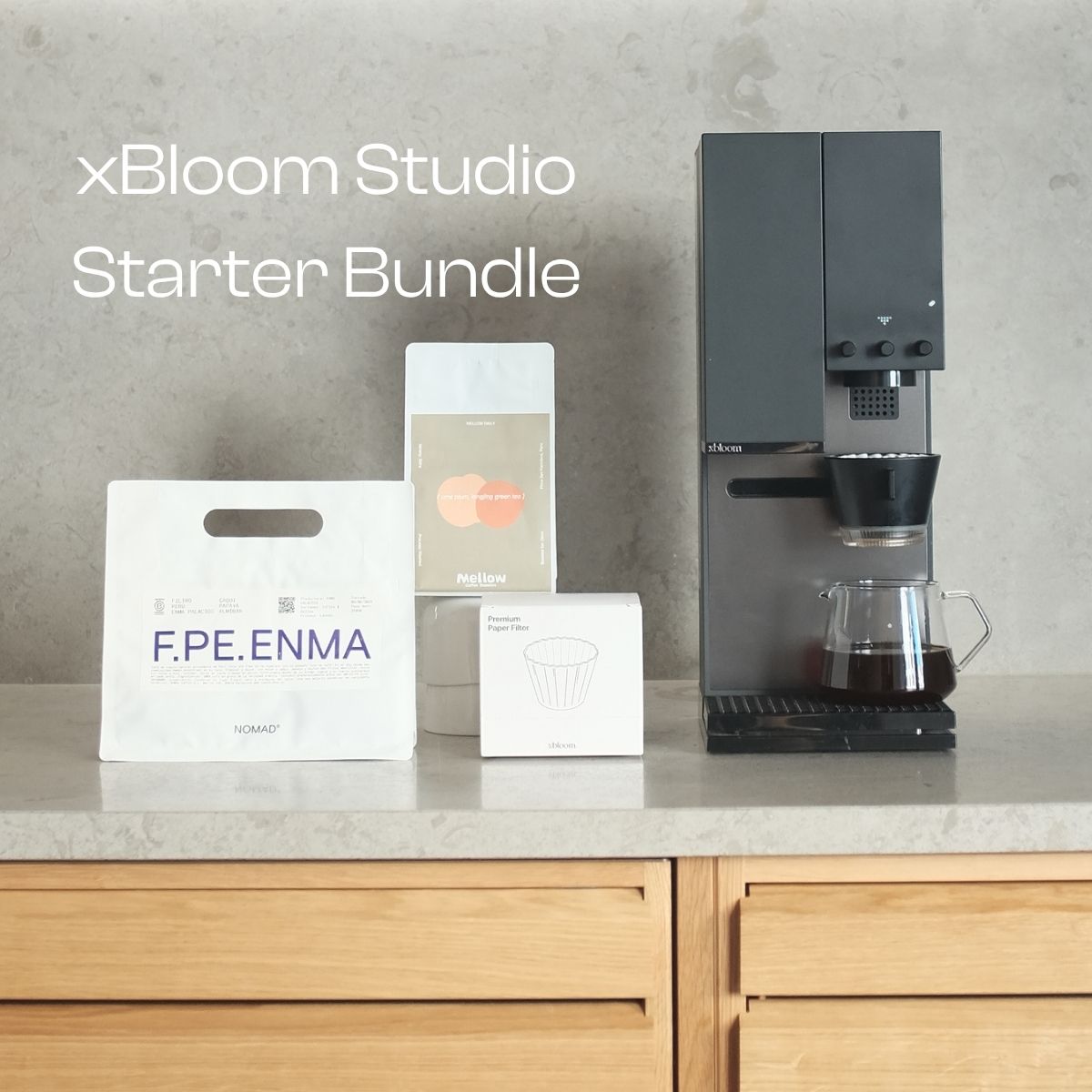
New to specialty coffee? The xBloom Studio Starter Bundle gives you everything you need to get started from day one. It costs the same 8,250 SEK as the Studio on its own, so the coffee is on us.
Still unsure? Visit us in Stockholm or Malmö and taste a cup brewed on the Studio, or send us a message. As the official Nordic distributor, we also handle warranty and service locally.
Frequently Asked Questions
Can I use my own beans, or only xPods?
Both. Autopilot uses xPods, while Copilot and Free Solo work with any whole beans you like.
Does the xBloom Studio work with light roasts?
Yes, and this is where it really shines. Most recipes you'll find online, including built-in recipe A, are designed for light roasts, and you can fine-tune temperature, pours, flow and agitation to suit even ultra-light roasts. If any machine lets you control every variable a light roast needs, it's the xBloom Studio.
How much coffee can it brew at once?
Up to about 300 ml per brew.
Do I need the app?
No. Autopilot and the three built-in recipes work without it. The app is where you find and create new recipes.
How do I know which grind size to use for my own beans?
Check the grind size recommendation chart on the lid of the water tank. It's a good starting point for any new coffee.
What water should I use?
Water makes up over 98% of your cup, so it matters as much as the beans. Read our article on brewing water here.
Can I pay in installments?
Yes, Klarna is available at checkout.